All Products

.svg)






A VoIP call usually needs less bandwidth than a video stream, yet cloud phone system migrations still fail for basic infrastructure reasons: unstable internet, poor headset quality, and unnecessary desk phone purchases.
Many businesses move to cloud telephony with the wrong mental model. Some cut hardware spending before their network can support real-time voice. Others rebuild their old desk-phone setup in VoIP form and wonder why costs haven’t changed.
A lean cloud phone system usually needs three things: a stable internet connection, a suitable device, and a headset built for daily use. Everything else depends on how your team works, where agents take calls, and what downtime costs the business.
This guide breaks down what to buy, what to skip, and where cloud telephony shifts responsibility from hardware ownership to network readiness.
Key Takeaways
- A lean setup needs three basics: Stable internet, the right calling device, and a headset built for daily use.
- Network quality matters more than speed: Keep latency below 150 ms, jitter below 30 ms, and packet loss below 1%.
- QoS and wired connections prevent many call issues: Prioritize voice traffic and use ethernet for fixed-position agents where possible.
- Redundancy depends on downtime risk: Small teams may need mobile failover, while contact centers need dual ISPs or SD-WAN.
- Most agents don’t need desk phones: Softphones work better for CRM-based sales, support, and contact center teams.
- Headsets deserve serious budget: Poor audio affects customer trust, handle time, transcription quality, and AI analytics.
- Optional hardware should solve real problems: ATA adapters, PoE switches, USB handsets, and webcams only belong in specific workflows.
- Cloud telephony replaces legacy infrastructure: PBX cabinets, voicemail servers, recording hardware, and many SIP gateway needs move into software.
- Bottom Line: Buy based on how agents work, what breaks under load, and what downtime costs, not old PBX habits.
Why cloud telephony changes the risk profile
A traditional PBX kept most telecom risk inside the office. If the PBX failed, calls stopped. If wiring broke, teams lost connectivity. Even moving desks could require a telecom technician.
Cloud telephony removes much of that physical infrastructure. The provider manages the core calling platform, routing, updates, and uptime. Your team manages the connection reaching that platform.
That tradeoff matters. You no longer need a PBX cabinet, voicemail server, or on-site call recording hardware. You do need a stable network path for every call.
For teams replacing legacy phone infrastructure, Voiso’s cloud contact center platform brings calling, routing, CRM workflows, analytics, and omnichannel conversations into one workspace. That reduces hardware dependency without removing the need for network planning.
Scaling also changes. Adding ten agents no longer means buying ten desk phones, PBX expansion cards, and extra telecom licenses. In a cloud phone system, growth usually means adding users, assigning numbers, and configuring routing.
That speed helps fast-moving teams. It also makes sprawl easier. Without clear ownership, businesses can add users, numbers, queues, and devices faster than they can manage them.
Network requirements for a cloud phone system
Most call quality problems don’t start with the phone system. They start with the network.
A generic speed test won’t tell you enough. Download speed matters less than consistency. Voice traffic needs a stable path in both directions, especially during peak working hours.
A standard VoIP call uses very little bandwidth compared with video. The real issue is whether audio packets arrive on time, in order, and without gaps.
Everything your team needs in one platform
The three network metrics that affect VoIP call quality
What breaks VoIP is inconsistency. Three metrics govern whether voice traffic arrives intact:
| Metric | Planning threshold | What users notice when it gets worse |
| Latency | Below 150 ms | Delayed replies and people talking over each other |
| Jitter | Below 30 ms | Robotic audio, clipped syllables, uneven speech |
| Packet loss | Below 1% | Missing words, audio gaps, or dropped calls |
A fast internet plan can still deliver poor voice quality — a 500 Mbps connection with jitter during busy hours may cause worse performance than a slower but stable connection.
Upload speed needs separate attention. VoIP runs both ways, so agents transmit audio throughout every call. A plan with strong download speed and weak upload capacity can still struggle during heavy outbound activity.
Test the network during real working conditions before rollout. Mid-morning and early afternoon usually reveal more than quiet after-hours checks.
Router and QoS setup
Many offices try to run cloud calling through consumer-grade routers. Some devices work for light use, but they often fail under mixed traffic.
Voice packets compete with file uploads, video meetings, CRM syncing, and browser traffic. Without prioritization, one large upload can damage an active sales call.
Quality of Service, or QoS, gives voice traffic priority. It won’t create bandwidth from nothing, but it protects calls when the connection gets busy.
The router needs to support QoS properly. Many low-cost models don’t. Small offices should check that before blaming the phone platform.
Wired ethernet still gives fixed-position agents the cleanest path. Wi-Fi can work well, but it adds another variable. For reception desks, support teams, and high-volume outbound agents, wired connections remove avoidable risk.
For teams using Wi-Fi, keep voice traffic on 5 GHz where possible. Avoid crowded 2.4 GHz networks, especially in offices with printers, phones, tablets, and guest devices.
Internet redundancy: when one connection isn’t enough
A cloud phone system depends on internet access. When the connection fails, calls can’t reach agents unless you’ve planned a fallback.
The right backup depends on what downtime costs. A small team with low inbound volume may only need a mobile hotspot. A support center or sales floor needs stronger protection.
A 4G or 5G failover router gives small and mid-sized teams a practical safety net. It can switch traffic to cellular when the main connection drops.
Larger operations should consider dual internet providers. The backup should come from a separate carrier, not another line from the same provider. Otherwise, one provider outage can still take down both links.
High-volume contact centers may need SD-WAN. It can balance traffic across connections and fail over automatically. The added setup only makes sense when call volume and downtime risk justify it.
The buying rule stays simple: match redundancy to revenue risk. Don’t buy enterprise failover for occasional calls. Don’t run a contact center on one unprotected broadband line.
Devices: softphones, desk phones, and mobile apps
A cloud phone system doesn’t mean every employee needs a VoIP desk phone. That’s one of the easiest ways to overspend during migration.
For agents who work inside a CRM, helpdesk, or contact center interface, a softphone usually fits better. Calls happen through a browser or desktop app, directly inside the workflow they already use.
Voiso’s Salesforce and Zoho integrations let agents dial, log calls, and view customer records without leaving the CRM. A physical desk phone adds another device to manage, but it rarely adds value for that kind of role.
When VoIP desk phones still make sense
Desk phones still work well in specific environments. The mistake isn’t buying them. The mistake is buying them for everyone by default.
| Role | Why a desk phone fits |
| Reception desks | Fast pickup, shared access, and high call volume |
| Shared support stations | The device stays with the station, not one agent |
| Conference rooms | Speakerphone use without relying on a laptop |
| Non-CRM roles | The phone remains the main tool, not a browser tab |
The best setup often mixes device types. Sales and support teams can use softphones. Reception, shared desks, and meeting rooms can keep physical handsets.
That approach cuts hardware costs and reduces help desk tickets. It also avoids the common outcome where half the new desk phones sit unused.
Where mobile apps fit
Mobile apps extend the cloud phone system beyond the office. They help managers, remote workers, field teams, and after-hours staff stay reachable without sharing personal numbers.
A manager moving between sites can answer calls on the same business line. A remote support agent can keep working through cellular data if home internet drops. An after-hours clinician can receive urgent calls without exposing a private number.
Mobile apps don’t replace a proper workstation for high-volume calling. Agents making 150 calls a day need a laptop, a stable connection, and a good headset. A smartphone works as a fallback or mobility tool, not the main setup for intensive outbound teams.
Headsets: the highest-ROI hardware decision
Headsets shape every customer conversation. Yet many teams spend carefully on routers, redundancy, and software, then give agents cheap headsets that weren’t built for daily calling in a contact center.
Poor microphone quality creates repeated misunderstandings. Background noise weakens trust on sales calls. Echo, distortion, and uneven pickup increase handle time because agents need to repeat themselves.
Audio quality also affects AI features. Transcription, sentiment analysis, keyword tracking, and call scoring all depend on clean audio. If the microphone captures noise or drops syllables, the analytics layer starts from weaker data.
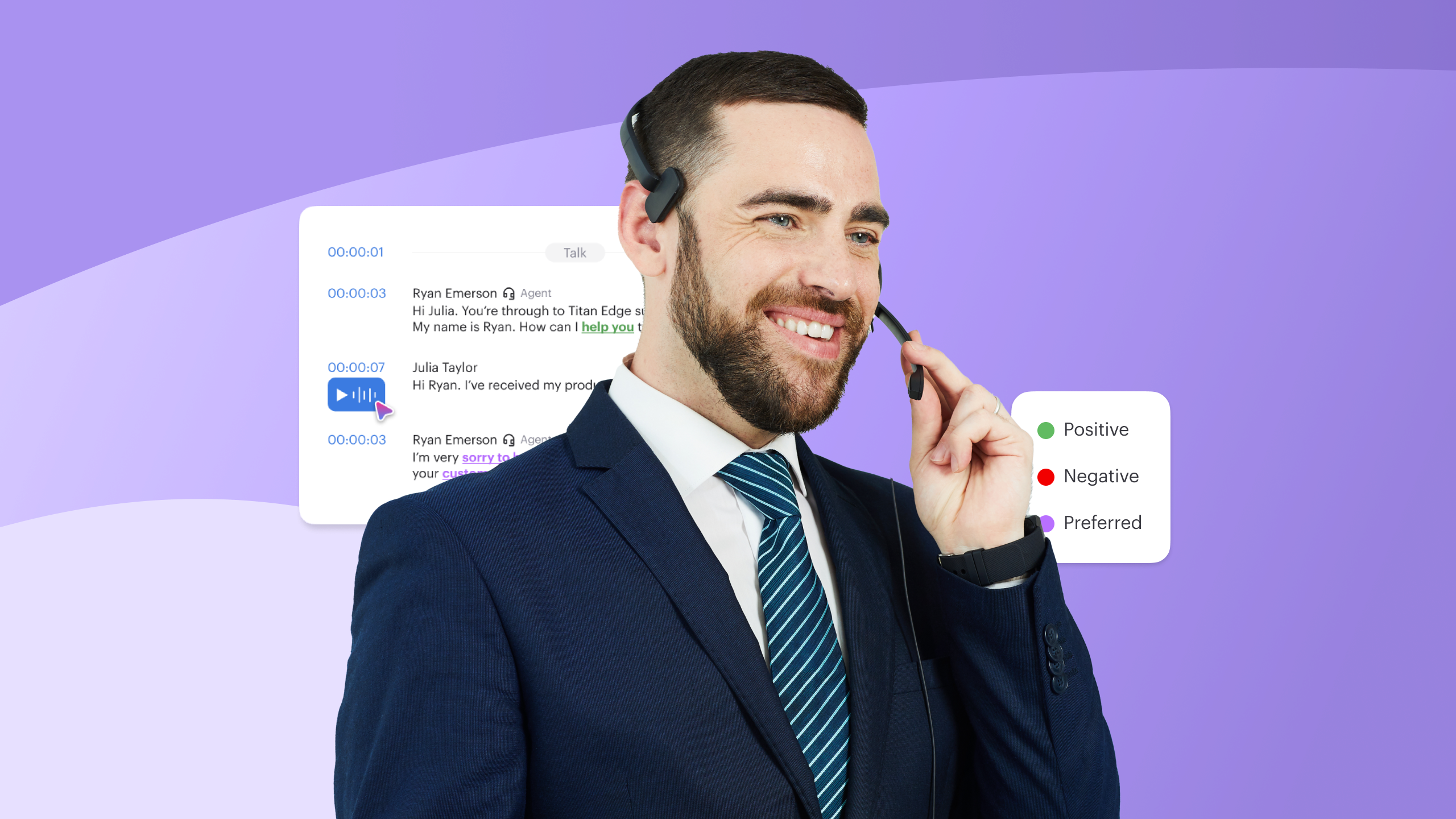
Voiso’s AI Speech Analytics can review conversations across teams, but headset quality still matters. Better input produces cleaner transcripts and more reliable coaching insights.
Choose headsets by role, not by blanket budget
The right headset depends on the agent’s day-to-day work. A single company-wide headset policy usually misses too many edge cases.
| Role | Recommended type | Primary reason |
| Outbound sales agents | Binaural wired USB | Better focus on busy calling floors |
| Inbound support, 6+ hours daily | Lightweight monaural USB | Less fatigue during long shifts |
| Remote staff | Wireless headset with ANC | Better noise control in varied environments |
| Reception or front desk | Wired mono with quick-release | Keeps staff aware of the room |
| Managers and occasional callers | Bluetooth multi-device | Easier switching between laptop and phone |
Comfort matters as much as sound. Weight, clamp pressure, and ear cup design affect agents throughout the shift. A slightly better microphone won’t help if agents avoid wearing the headset.
Wireless models work well for people who move around. They also introduce battery management. For fixed-seat contact centers, wired USB still causes fewer operational problems.
Optional cloud phone system hardware
Most teams don’t need much beyond network readiness, devices, and headsets. Extra hardware should solve a known problem, not protect against vague future concerns.
| Hardware | Buy it only when |
| ATA adapter | Legacy fax machines, analog conference phones, or intercoms need to connect during migration |
| PoE switch | A large desk phone deployment needs cleaner power and cable management |
| USB handset | Reception or reservations teams want handset familiarity during transition |
| Dedicated webcam | Video consultations or compliance reviews need better framing and image quality |
The rule is simple: don’t buy hardware for a complaint nobody has made.
Deployment issues usually appear quickly. If agents struggle with softphones, reception teams miss handset controls, or meeting rooms need better equipment, you’ll know within the first few weeks.
Buying after a real problem appears keeps the setup lean. Buying before one appears often recreates the cost and complexity cloud telephony was supposed to remove.
Legacy phone system hardware you no longer need
Cloud telephony removes infrastructure that used to be mandatory including dedicated call recording hardware, replaced by cloud recording with search and retrieval.. Migration projects often carry old equipment forward because teams are used to seeing it in the phone setup.
That habit adds cost without improving reliability.
| Legacy setup | Cloud replacement |
| On-premise PBX cabinet | Hosted routing managed by the provider |
| Dedicated voicemail server | Voicemail inside the platform, email, mobile app, or CRM |
| Separate call recording hardware | Cloud recording with search and retrieval |
| On-site SIP gateway | Provider-managed connectivity for cloud-native deployments |
| Telecom maintenance contract | Platform support from the cloud vendor |
The PBX cabinet deserves special attention. Legacy systems often needed vendor support for IVR changes, routing updates, or new user setup. Even small changes could become tickets.
Voiso’s Flow Builder replaces that workflow with visual call routing. Operations teams can update queues, business hours, callback paths, and routing logic through a drag-and-drop interface.
That matters because routing changes often need to happen fast. Staffing gaps, seasonal demand, campaign spikes, and regional holidays all affect call flow. Waiting on a telecom vendor slows the team down.
Setup by operating model: what actually differs at different scales
Company size matters less than operating model when determining the right setup. A 50-person remote-first startup and a 50-person fixed-office sales contact center have almost nothing in common in terms of hardware requirements. The more useful frame is: how do your agents work, where do they work, and what happens when something breaks?
Remote-first and small teams
The lightest viable setup: laptop, wired USB headset, stable home internet. This handles the majority of calling use cases for teams under 20 people without any hardware procurement process. The most common failure point isn’t the devices, it’s agent home internet. Wi-Fi dead zones and shared residential connections under heavy load during the day produce the call quality complaints that get misattributed to the platform.
A mobile hotspot as backup adds meaningful resilience for a trivial cost. For teams where even a 30-minute outage is operationally disruptive, it’s worth including in onboarding. Voiso’s mobile app also provides a fallback: agents can continue working through a smartphone connection if their primary setup fails, without any routing changes required.
Mixed office/remote teams
The hybrid environment is where equipment decisions get complicated, because the same setup doesn’t work for both contexts. Office-based agents benefit from wired ethernet, noise-isolating headsets appropriate for open-plan floors, and potentially desk phones at reception and shared stations. Remote agents need reliable home networking guidance, specifically the latency/jitter/packet loss thresholds and headsets with active noise cancellation that handle varied home environments.
The operational risk at this scale: network monitoring that covers the office but not remote agents’ connections. A supervisor’s dashboard showing clean call metrics doesn’t distinguish between an agent with good audio and an agent whose calls sound fine on the platform side but are dropping packets on the agent’s end. Periodic audio quality checks with remote agents catch problems that aggregate metrics miss.
High-volume contact centers
At contact center scale, the hardware decisions that matter most are the ones that compound across hundreds of agents. A headset that causes fatigue problems affects agent performance continuously. A network configuration that handles 80% of concurrent calls cleanly but degrades at 100% creates peaks that hit exactly when the call center needs the most capacity.
The setup priorities here are different from smaller environments: dual internet providers (not just a backup, but a live secondary that traffic can shift to automatically), enterprise-grade switching and routing equipment with confirmed QoS support, wired ethernet for all fixed-position agents, and professional noise-isolating headsets chosen for eight-hour wear. Monitoring needs to be continuous, not reactive, queue wait times, audio quality scores, and agent availability should be visible to supervisors without them having to pull reports.
Voiso’s AI Speech Analytics runs transcription, sentiment analysis, and conversation scoring across all calls automatically, which reduces the manual QA burden at scale. The dependency worth noting: accuracy drops with poor microphone quality. At contact center headset volumes, the per-unit cost difference between adequate and good microphones is small; the compounding effect on call scoring data quality is not.
The functions that moved to software and what that means operationally
The infrastructure reduction in cloud telephony is partly about hardware removal and partly about what replaced it. Several functions that once required physical equipment now run as software, and the operational difference is more than cosmetic.
Call routing is the most significant. Legacy IVR systems required vendor involvement to reconfigure. A routing change, adjusting queue priorities during a staffing shortage, adding a new department option, changing after-hours handling, could take days. Software-based routing changes take minutes and don’t require a service ticket. For operations teams managing call flows across shifting business conditions, that responsiveness is a genuine capability improvement, not just a cost reduction.
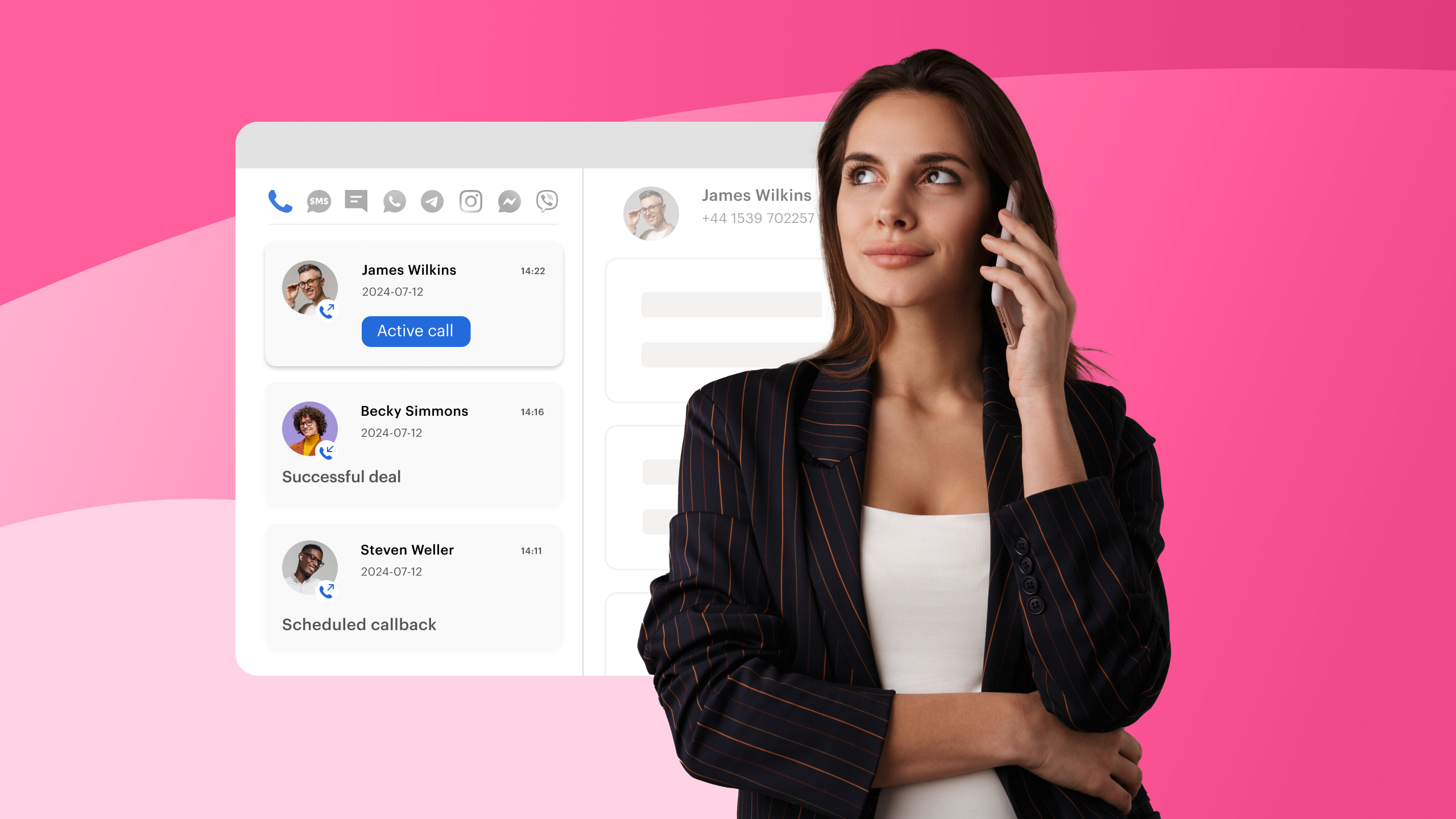
Omnichannel communication is the other structural shift. Customers don’t constrain themselves to voice when they have a problem. They call, then send a WhatsApp follow-up, then reply to an SMS confirmation, sometimes within the same hour. Managing those threads across separate tools creates the kind of fragmented agent experience that produces inconsistent customer responses. A single workspace where voice, SMS, messaging channels, and webchat all appear together, with the full conversation history regardless of channel, changes what agents can actually do during a call, not just how the back-end is organized.
The actual question to ask before buying anything
Before specifying any hardware, routers, headsets, desk phones, backup connections, the most useful question is: what specifically broke in the last setup, and what caused it?
Most cloud telephony deployments that struggle do so for one of three reasons. The network wasn’t validated before go-live. Agents were given inadequate audio equipment and the resulting complaints got blamed on the platform. Or hardware from the legacy environment got carried forward out of inertia, adding cost and complexity without adding capability.
The answers to those questions determine the spending priorities more precisely than any vendor hardware guide, including this one. A team that had clean internet but terrible headsets has a different problem than a team whose call quality collapsed under load because nobody configured QoS. Start with the failure mode, not the equipment list.
Voiso’s platform is built to run on the lean end of hardware requirements, softphones, mobile apps, and visual call flow management that don’t require on-premise infrastructure. Whether that fits depends on the specifics of your environment, your call volumes, and how much operational risk you’re willing to carry on a single internet connection.
FAQs
My existing computers handle video calls fine. Will they work for VoIP?
Almost certainly yes. If a machine runs Zoom or Teams without problems, it’ll handle a softphone. The edge cases are devices with very limited RAM running multiple heavy applications simultaneously, call handling apps don’t need much compute, but if the browser is already struggling, adding one more tab can introduce audio glitches that look like VoIP problems. The more common bottleneck is the Wi-Fi adapter on older laptops, which can introduce jitter independently of the main internet connection.
We have 30 agents. How many should get desk phones?
Depends entirely on role. For agents who work inside a CRM or helpdesk platform, the answer is probably zero, a softphone integrates directly into those tools and a desk phone just adds a device to manage. For reception staff, shared workstations, or anyone whose primary job is the phone rather than a software workflow, a desk phone still makes sense. Most businesses in the 20–50 agent range end up at roughly 10–20% desk phones when they actually audit who uses them versus who has them.
How do I know if my internet is good enough before we switch?
Run a VoIP-specific network test, not a generic speed test. Tools like PingPlotter or VoIP Monitor measure latency, jitter, and packet loss over time, which is what actually matters. The test is most useful when run during peak usage hours, mid-morning and early afternoon, when bandwidth competition is highest. A clean result at 7am doesn’t tell you much about what happens when 30 people are simultaneously on calls while the CRM is syncing.
What happens to our calls if the internet goes down?
Without a backup, they stop. This is the most important infrastructure question for any business where incoming calls have direct revenue or service implications. A 4G/5G failover router, configured to switch automatically when the primary connection drops, is the minimum viable redundancy solution for most small and mid-sized teams. The Voiso mobile app also provides an agent-level fallback: individual agents can continue working through a smartphone connection without any routing reconfiguration.
We’re in financial services. Do we still need SIP trunking for compliance?
Not necessarily. The compliance requirement is usually around call recording, encryption, data residency, and audit logging, none of which require self-managed SIP infrastructure in a modern cloud platform. SIP trunking typically comes up when an organization has an existing on-premise PBX that needs to connect to a VoIP carrier, or when compliance mandates explicit control over routing at the network layer. If you’re deploying cloud telephony from scratch, confirm your compliance requirements with your legal team and the vendor before assuming SIP trunking is needed, it often isn’t.
Are wireless headsets reliable enough for a busy support team?
Reliable, yes. The best choice for an eight-hour shift in a dense office, probably not. The practical issues with wireless in high-volume environments: battery management becomes an operational task (a headset that dies mid-shift creates a gap), Bluetooth can introduce occasional interference in offices with a lot of competing wireless devices, and latency is marginally higher than wired USB, usually imperceptible, but worth knowing. For agents who need to move around, wireless is the right call. For agents at fixed desks handling continuous volume, wired USB is still the lower-friction option.