All Products

.svg)





Most callers decide how they feel about your company in the first minute. Research across contact centers consistently shows that the bulk of abandoned calls happen between 30 and 60 seconds of waiting, and customer satisfaction starts dropping sharply soon after. By the time someone reaches an agent, the call can already be half-lost.
An inbound call center is simply the team and the technology that handle calls customers make to you, usually for support, questions, or account issues. The hard part isn’t answering the phone. It’s making sure every call lands with the right person, with the right context, fast enough that the customer never doubts they were heard.
This guide walks through how to set up an efficient inbound call center workflow for customer service, step by step: defining what the workflow is for, designing a call flow around the caller’s actual journey, equipping agents so they aren’t fighting their own tools, and using data to find and fix the points where calls quietly fall apart. The goal throughout is the same: build a workflow that holds when volume spikes and pressure is real, not just one that looks tidy on a diagram.
Key Takeaways
- The first minute decides the call: Most abandoned calls happen within 30–60 seconds of waiting, so the workflow’s real job is fast, accurate connection.
- Map your current flow first: Trace every wait, transfer, and repeated question before redesigning. Most workflow problems are hidden handoff problems.
- Tie the workflow to one or two outcomes: Reduce churn, protect service levels at peak, or cut repeat-call cost. Every routing and staffing choice should trace back to those.
- FCR is the keystone metric: First call resolution moves CSAT, cost, and agent retention at once. Industry average sits near 70%; 80%+ is world-class.
- Route on context, not just menus: Use skill, language, priority, and account status so callers reach a qualified, available agent the first time.
- Design self-service around its failure mode: Most customers want it for simple issues but abandon bad IVRs, so keep menus shallow and the path to a human obvious.
- Manage waits honestly: Estimated wait times and callback offers cut abandonment by roughly a third when queues fill.
- Unify the agent workspace: One interface for channels plus CRM context removes the manual stitching that drags down handle time and FCR.
- Use AI where it adds insight, not theatre: Automate wrap-up and let speech analytics feed coaching and QA. AI supports the work; it isn’t the work.
- Bottom line: An efficient workflow reaches the right person fast, equips them to resolve in one call, and holds when volume spikes. Fix one bottleneck at a time and measure honestly.
Start by mapping the call flow you already have
Before redesigning anything, trace what happens to a call today, from the moment it rings to the moment it’s closed. Where does it land first? How many menu choices does the caller make? How often is the call transferred, and how often does the second agent have to ask the customer to repeat everything?
This step gets skipped, and it’s the one that pays off most. A workflow problem is almost always a handoff problem: a call routed to the wrong queue, a transfer that drops context, a customer bounced through three agents for one question. You can’t fix those until you’ve seen them. Sketch the current flow on a single page and mark every point where the customer waits or repeats themselves. Those marks are your priority list.
Define what the workflow is for
A call center workflow is a set of trade-offs. You can’t optimize for every metric at once, so decide what this operation is really trying to do.
For a travel platform during peak season, the priority might be absorbing a surge in booking-change calls without the queue collapsing. For a clinic, it might be making sure appointment and pre-treatment calls reach a qualified person reliably, with proper handling of sensitive details. For a growing eCommerce brand, it might be keeping order and returns questions short and consistent across phone, chat, and WhatsApp. The workflow you build looks different in each case.
Tie the workflow to one or two business outcomes you can name: reduce churn from frustrated customers, protect service levels during predictable spikes, cut the cost of repeat calls, or hold quality steady as the team grows. Everything downstream — routing rules, staffing, which tools you buy — should trace back to those outcomes.
Choose KPIs that drive decisions, not vanity dashboards
A few metrics matter more than the rest because they tell you where a workflow is breaking, not just that it is:
- First call resolution (FCR): the share of issues solved in one contact. SQM Group’s benchmarking puts the cross-industry average around 70%, with 80%+ considered world-class. It’s the single most revealing number you track, because low FCR quietly generates everything else that’s expensive.
- Average speed of answer (ASA): how long callers wait before reaching an agent. Watch the distribution, not just the average; a handful of very long waits is where abandonment lives.
- Abandonment rate: the share of callers who hang up before connecting. Most centers land in the 5–8% range, and rising abandonment usually points to a queue or staffing problem, not an agent one.
- CSAT: measured right after the call, while the experience is fresh.
- Average handle time (AHT): useful as a diagnostic, dangerous as a target. Push it down on its own and you push FCR down with it, which costs you more later.
The link between these is the part most teams underrate. Each unresolved issue tends to generate roughly 1.5 follow-up calls, and repeat calls can eat into a meaningful slice of a contact center’s operating budget. SQM Group’s research found that customers whose issues took four or more contacts reported CSAT scores about 47 points lower than those resolved on the first call. FCR isn’t one metric among many; it’s the one that moves most of the others.
Everything your team needs in one platform
Design the call flow around the caller’s journey
A good inbound flow mirrors what the customer is actually trying to do, and removes a decision at every step where you can make it for them.
Route on context, not just menu choices
Intelligent routing is where efficiency is won or lost. Instead of sending every caller into the same queue, route on what you already know: the agent’s skill or language, the customer’s priority or account status, the team that handles that issue type, and the time of day. A returning customer with an open ticket shouldn’t start from zero. A caller in another language shouldn’t wait for the one agent who can help and then get transferred to them anyway.
This is the work a visual flow builder is built for. With Voiso’s Flow Builder, you can lay out routing logic as a diagram — skills-based, agent-status-aware, time-of-day — and see the whole path a call takes rather than reconstructing it from scattered settings. Skills-based and status-dependent routing make sure a call reaches someone qualified and available, instead of ringing an agent who’s already on another line.
Use self-service where it genuinely helps, and design around its failure mode
Self-service is worth getting right because demand for it is real: most customers say they’d rather resolve a simple issue themselves than wait for an agent. Order status, balance checks, appointment confirmations, store hours, basic FAQs — these are good candidates, and handling them automatically shortens the queue for everyone else.
But there’s a well-documented catch. A majority of customers say they’d rather talk to a person than fight a long, confusing IVR, and a bad menu is one of the fastest ways to manufacture a frustrated caller. So design for the exit as much as the entry. Keep menus shallow, label options in plain language, and make reaching a human easy and obvious at every level. Self-service should feel like a shortcut for people who want one, never a wall in front of people who don’t.
Cut wait time without pretending it’s zero
When a call does need a person and they’re all busy, the workflow’s job is to manage the wait honestly. Tell callers their estimated wait or position in the queue. Offer a callback so they don’t have to sit on hold — this is one of the highest-return changes available, with studies showing callback options can lower abandonment by roughly a third, and most customers preferring a callback to waiting. Use skill-based queues so the right people are pulled in when their queue swells, and let channel capacity scale automatically when volume climbs so peak hours don’t turn into busy signals.
Equip agents so the tools aren’t the bottleneck
Routing only helps if the agent who picks up can act fast. The most common drag on handle time and FCR isn’t agent ability. It’s agents stitching together information from systems that don’t talk to each other.
A unified workspace fixes the most expensive version of that problem. When voice, SMS, web chat, and messaging apps like WhatsApp and Telegram live in one interface alongside customer history, the agent stops alt-tabbing mid-call and the customer stops repeating themselves on every channel switch. Voiso’s omnichannel workspace is built around exactly this: one place to handle the conversation and see the recent ones.
CRM integration removes the next layer of manual work. With native connections to systems like Salesforce, HubSpot, Zoho, and Freshdesk, an inbound call can trigger a screen pop with the caller’s record before the agent says hello, log itself automatically when it ends, and support click-to-call for follow-ups. That’s less typing, fewer mistakes, and more of the call spent on the actual problem.
For teams that aren’t always at a desk, field staff, distributed support, after-hours coverage, a mobile app keeps the workflow intact rather than creating a separate, untracked one. The Voiso mobile app (iOS and Android) carries contacts, caller ID, and real-time visibility so remote work doesn’t become a blind spot.
Add automation and AI where it removes work, not where it shows off
The point of automation in an inbound workflow is to give agents back the minutes around the call, not to put a robot in front of the customer.
The reliable wins are the unglamorous ones. Automate post-call wrap-up so dispositions, notes, and ticket creation aren’t a manual chore after every conversation. Trigger a follow-up SMS automatically when a call closes a certain way. Log call data to your CRM without anyone retyping it. None of this is visible to the customer, and that’s the point. It’s time recovered.
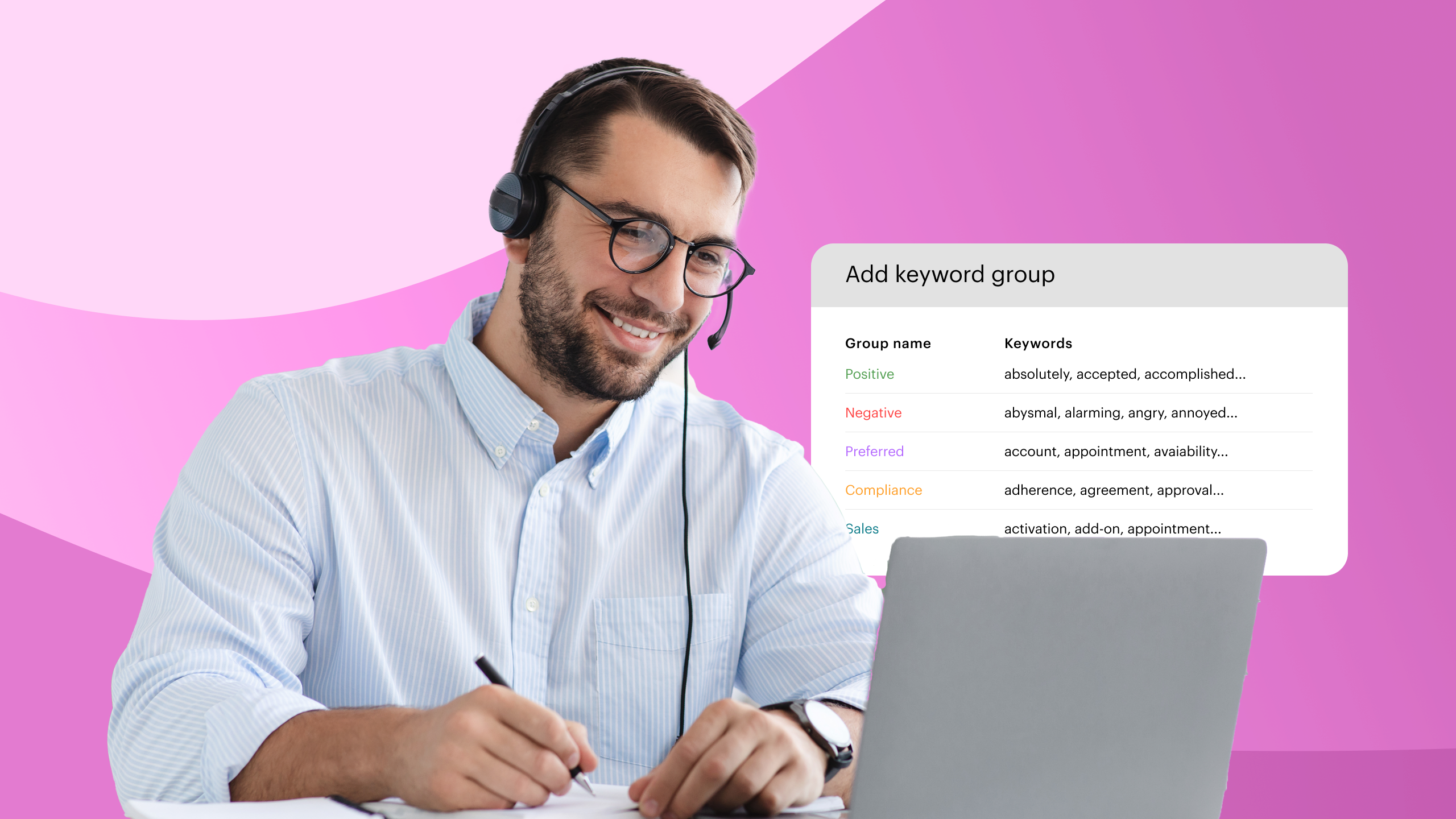
AI earns its place where it improves insight you’d otherwise never capture. Speech analytics and conversation scoring can review interactions automatically, flag calls by keyword, summarize what a conversation was about, and surface patterns across thousands of calls that no QA team could listen through by hand. Used this way, AI supports coaching, quality, and compliance, it informs the people doing the work rather than replacing the moment of connection. If your operation mixes in outbound campaigns, answering machine detection is a smaller, practical time-saver that keeps agents off dead air; it’s worth enabling only if that hybrid case applies to you.
Staff and train for the calls you actually get
Tooling sets the ceiling; people decide whether you reach it. For inbound customer service, hire for the traits that resolve calls on the first try: clear communication, patience under pressure, and enough product understanding to solve rather than escalate. A warm agent who has to transfer every second call still produces low FCR.
Tie onboarding to the real workflow, not a generic script binder. New agents should learn the call flow, the knowledge base, and the routing logic together, so they understand not just what to say but where a call came from and where it can go. Real-time coaching tools — silent monitoring, whisper coaching, live dashboards, let supervisors support agents during hard calls instead of only reviewing them afterward. And because resolving calls is itself what keeps good agents around, the same FCR you’re optimizing for customers tends to improve retention on the floor.
Track, find the bottleneck, and fix it
A workflow isn’t something you launch and leave. It’s something you watch, because the place it breaks moves over time.
Use real-time dashboards to see queues, wait times, and agent status as they happen, and historical reports to spot patterns, which hours strain the queue, which issue types drag out, where calls get abandoned or transferred most. Voiso’s real-time dashboards and call history with advanced search (over 30 filters) exist for this kind of digging.
The skill is reading symptoms back to causes:
- Abandonment climbing at specific hours points to staffing or scheduling against your real volume curve, not to slow agents.
- High transfer rates mean your routing is sending calls to the wrong place first. That’s a routing-logic problem, not a people problem.
- Low FCR on one issue type usually signals a knowledge gap or a missing tool for that scenario, fixable with targeted training or a better integration.
- Long handle times on a single team often trace to a clunky system that team uses, not to the team itself.
Pick one bottleneck, change one thing, and watch the numbers for a week before moving to the next. Workflows improve through small, observed adjustments far more reliably than through big redesigns.
A checklist before you go live
Use this to pressure-test the workflow before it carries real calls:
- Objectives and KPIs: one or two named business outcomes, with FCR, ASA, abandonment, and CSAT instrumented to match.
- Customer-first call flow: context-based routing, shallow self-service with an easy path to a human, and callback offered when waits run long.
- Agent tools: a unified workspace, CRM integration with screen pop and auto-logging, and mobile access for anyone off-desk.
- Automation and AI: automated wrap-up and follow-ups, and speech analytics feeding coaching and QA.
- Staffing and training: hired for resolution skills, onboarded against the real flow, supported with live coaching.
- Feedback loops: real-time and historical dashboards in use, with a habit of fixing one bottleneck at a time.
An efficient inbound workflow isn’t the one with the most features switched on. It’s the one where a call reaches the right person quickly, the agent has what they need to resolve it, and the whole thing still holds when the queue fills up. Build for that, measure honestly, and keep tightening the points where calls slip.
Frequently asked questions
How long does it take to set up an inbound call center workflow?
A basic working flow can be live in a day or two with cloud software: provision numbers, build a first routing tree, set queues, and connect your agents. The realistic answer for an efficient workflow is longer, because the routing logic, self-service paths, and integrations get refined against real call data over the first few weeks. Treat go-live as the start of tuning, not the finish line. Cloud platforms shorten the technical setup considerably; there’s no hardware to rack, so most of your time goes into design decisions rather than installation.
What’s the difference between IVR and ACD?
They work together but do different jobs. The IVR (interactive voice response) is the menu and self-service layer the caller interacts with: “press 1 for billing,” order-status lookups, identity capture. The ACD (automatic call distributor) is the engine that takes a call that needs a person and distributes it to the right available agent based on skill, language, priority, or queue. In practice the IVR gathers context and handles what it can; the ACD uses that context to route everything else. A good inbound flow is both working in sequence, not one or the other.
How many agents do I need to handle my call volume?
More than simple division suggests, because callers don’t arrive evenly. The standard method is Erlang C, which estimates staffing from three inputs: calls per hour, average handle time (talk plus hold plus wrap-up), and your target service level (a common one is 80% of calls answered within 20 seconds). It accounts for the randomness of arrivals and the queue that builds during spikes. One rule of thumb worth knowing: aim for roughly 80–85% agent occupancy. Push past 90% and you save on headcount briefly, but burnout and turnover follow within a couple of months. Free Erlang calculators will do the math once you have your numbers.
How is an inbound workflow different from an outbound one?
The control sits in opposite places. In outbound, you decide who gets called and when, so the workflow optimizes dialing efficiency and connect rates. In inbound, the customer initiates on their own schedule, so the workflow optimizes for readiness: routing the unpredictable arrival to the right person fast, with full context. That’s why inbound design centers on queues, skills-based routing, and self-service, while outbound centers on dialers and caller ID. Many teams run both, and the mistake is managing them with the same playbook. If you run a hybrid operation, keep the inbound and outbound logic distinct even when they share a platform.
Does a small team really need routing, automation, and dashboards?
Yes, scaled to size. A five-person team doesn’t need a complex multi-level IVR, but it absolutely benefits from skills-based routing so the right person picks up, automatic call logging so nobody retypes notes, and a simple dashboard so the lead can see what’s happening. The principles don’t change with headcount; the configuration does. Start with the few things that remove the most manual work and the most misrouted calls, then add depth as volume grows. Over-building a workflow for a small team creates friction; ignoring routing and logging entirely creates rework.
How do I keep inbound call recordings compliant?
Recording rules vary by country and industry, so build compliance into the workflow rather than bolting it on. Practical measures include selective recording that lets agents pause capture around sensitive details like card numbers, masking that hides customer numbers from agents, defined retention periods so recordings aren’t kept longer than needed, and controlled access so only authorized staff can listen or export. For regulated work such as healthcare or finance, confirm consent and disclosure requirements for each jurisdiction you operate in. The goal is that a recording is searchable and useful for QA while still respecting what the law and the customer expect.
If you’re putting this into practice, Voiso’s Flow Builder and omnichannel workspace are built to make inbound flow hold — clearly routed, visible, and under control. See how it fits your operation.