Through integrations — whether via the Zendesk Marketplace, third-party plugins, or APIs — you can extend its capabilities far beyond the basics.
For support teams, integrations enable agents to collaborate faster, automate repetitive tasks, and connect customer conversations across channels like voice, chat, and email. This not only improves ticket resolution times but also ensures every customer interaction is tracked and easily accessible.
In this guide, we’ll explore the best Zendesk integrations across communication, workflow management, AI automation, knowledge management, analytics, and e-commerce. Whether your goal is to speed up ticket handling, personalize customer interactions, or empower agents with better tools, these integrations will help you unlock the full potential of Zendesk.
Understanding Zendesk integrations and why they matter
Zendesk is a ticketing system with a full support suite designed to connect businesses with their customers. On its own, it helps teams manage inquiries across email, chat, and social media. But no two support teams are the same, which is why the Zendesk Marketplace offers hundreds of apps, plugins, and integrations that let businesses customize their support environment to match their workflows.
By extending Zendesk with the right integrations, companies can create a more connected, efficient, and collaborative support operation. Whether it’s linking communication tools, automating workflows, or syncing customer data from e-commerce platforms, integrations ensure agents always have the information they need at their fingertips.
Key benefits of Zendesk integrations:
- Enhanced productivity: Automate repetitive tasks like ticket creation, updates, and routing so agents can focus on solving complex issues.
- Improved ticket resolution times: With real-time data and connected workflows, agents respond faster and more accurately.
- Better collaboration between teams: Integrations connect support to sales, marketing, and product teams, ensuring smooth handoffs.
- Streamlined customer communications: Calls, chats, and emails all feed into Zendesk tickets, creating a single source of truth for customer interactions.
Let’s explore some leading Zendesk integrations across teams and use cases.
Best Zendesk integrations for customer communication
By connecting Zendesk with communication platforms, all calls, messages, and meetings are automatically captured, giving agents complete visibility into every customer interaction. These integrations help support teams respond faster and personalize conversations while ensuring seamless access to relevant customer information.
Voiso
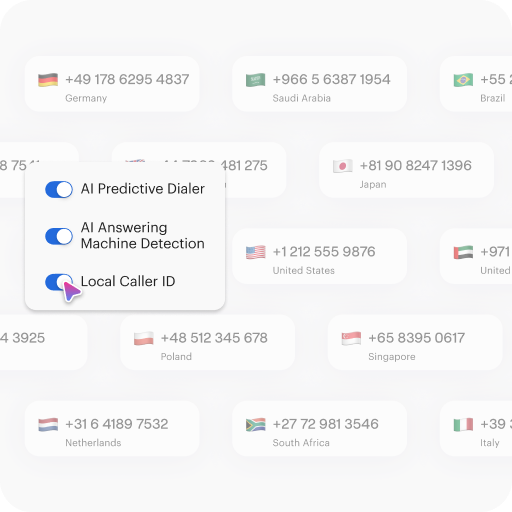
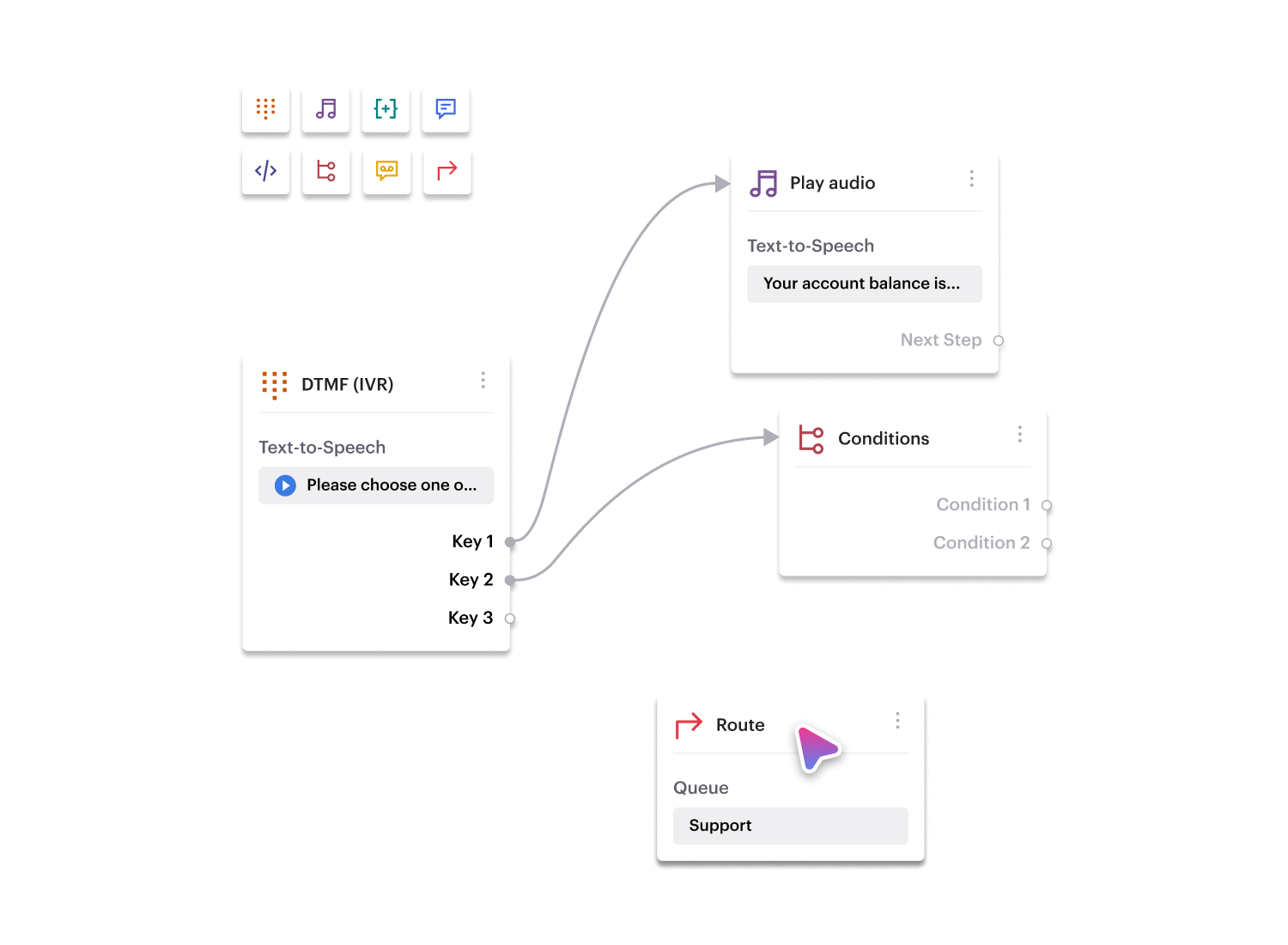
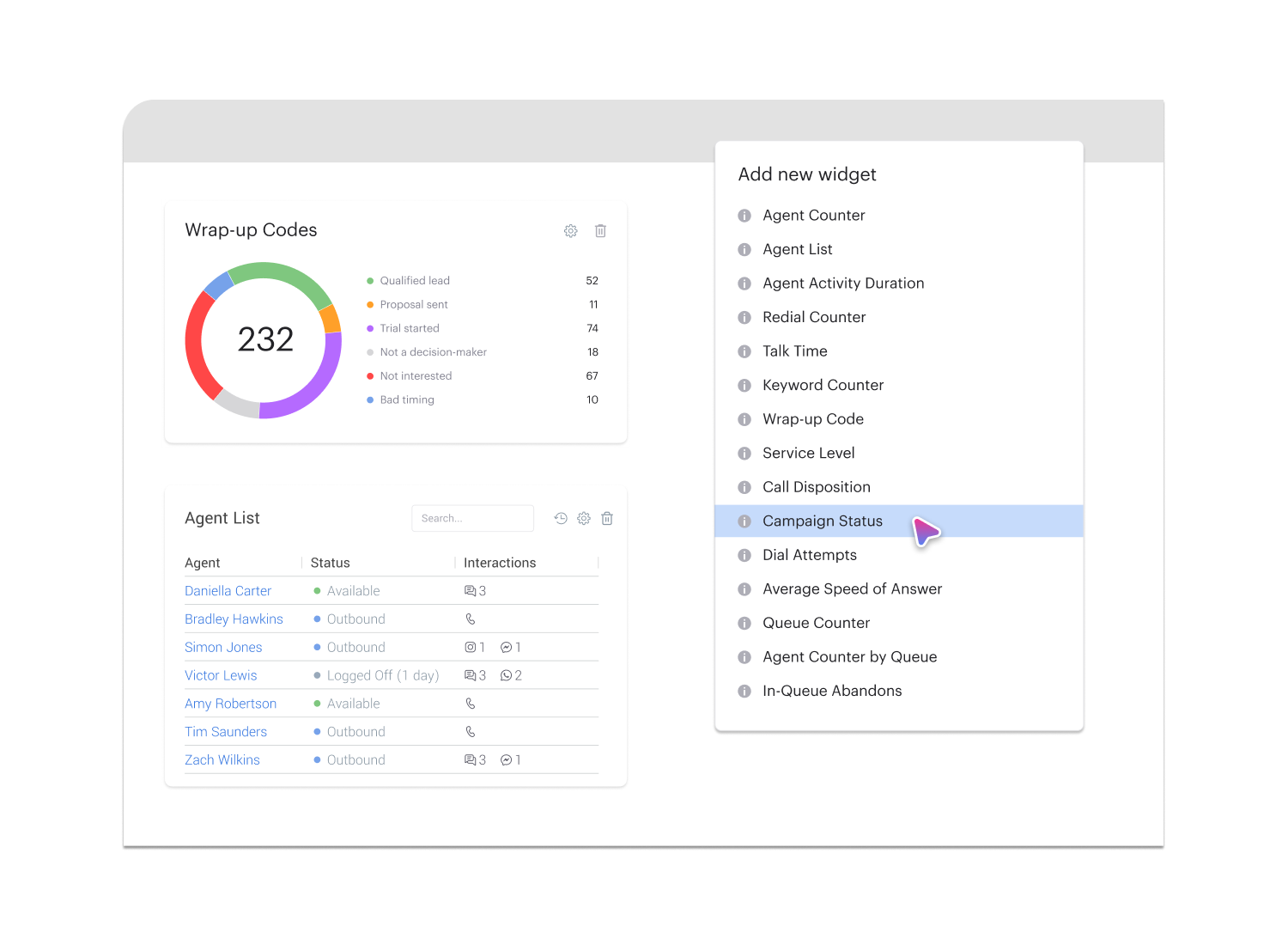
Voiso is an omnichannel contact center platform that seamlessly integrates with Zendesk to optimize customer interactions. For example, when a customer calls about a billing issue, Voiso can automatically log the call in Zendesk, attach the transcript, and create a ticket with all the relevant details — so agents never have to start from scratch.
Key benefits of integrating Voiso with Zendesk:
- Automatic logging of inbound and outbound calls and SMS messages into Zendesk tickets.
- Real-time syncing of call notes, details, and transcripts for complete visibility.
- Triggering ticket creation or updates based on call outcomes, ensuring nothing gets overlooked.
Example workflows:
- Generate follow-up tasks in Zendesk automatically after a missed call.
- Attach call summaries and recordings to ticket histories so agents can review conversations on demand.
Integrating Voiso with Zendesk helps support teams streamline their call management, reduce manual data entry, and deliver a more consistent customer experience.
Slack
With the Slack integration, Zendesk ticket updates flow directly into Slack channels, enabling faster collaboration across teams. For example, when a high-priority ticket is opened, the support team is immediately notified in Slack to take action. This keeps everyone aligned without having to constantly switch between tools.
Zoom
With the Zoom integration, agents can launch and manage video meetings directly from Zendesk tickets, making it easier to resolve complex issues that require real-time collaboration. Meeting details, recordings, and notes are automatically attached to the related ticket, giving you full context for future reference. For example, if a customer needs a hands-on product walkthrough, the agent can start a Zoom call from within Zendesk and have the entire session logged for transparency and follow-up.
Best Zendesk integrations for ticket and workflow management
Efficient ticket and workflow management keeps customer support running smoothly. By integrating Zendesk with project management tools, support teams can turn tickets into actionable tasks, track progress across departments, and ensure issues are resolved quickly.
Trello
Trello’s integration with Zendesk allows tickets to be converted into Trello cards for visual task management. For example, a complex customer request that requires multiple steps can be logged as a card on a Trello board, making it easy to track updates and assign responsibilities. Progress in Trello can also be synced back to Zendesk, keeping the ticket status accurate.
Asana
The Asana integration connects high-priority Zendesk tickets with structured task lists. When a ticket is escalated, Asana can automatically create a task, assign it to the right team member, and set deadlines. For instance, if a support agent logs a product bug in Zendesk, Asana can generate a task for the product team, ensuring that the issue is addressed quickly without losing context.
Jira
Jira is a must-have integration for teams handling technical support and software-related issues. With the Zendesk-Jira connection, support agents can link a ticket to a Jira issue so developers can investigate directly. Updates in Jira sync back to the Zendesk ticket, keeping customers informed without requiring agents to manually relay progress. This closes the loop between customer support and engineering.
Best Zendesk integrations for AI and automation
AI and automation integrations help support teams scale by reducing repetitive work and giving agents more time to focus on complex issues. When you connect Zendesk with automation tools, it’s easier to deliver faster responses, streamline workflows, and improve efficiency across the board.
Ada
Ada is an AI-powered chatbot platform that integrates with Zendesk to handle repetitive customer queries. It can answer common questions, route conversations to the right agent, and log interactions in Zendesk tickets. For example, Ada can automatically respond to “Where is my order?” questions and update the ticket if the issue requires human follow-up — saving agents hours of repetitive work.
Zapier
Zapier connects Zendesk with thousands of other apps, automating multi-step workflows without the need for manual coding. Businesses can use it to sync customer data, trigger marketing actions, or route tickets based on specific conditions. For instance, when a new ticket is created, Zapier can add the customer to a Mailchimp list, update a Slack channel, and create a task in Asana, all automatically.
Automate.io
Automate.io offers advanced automation between Zendesk and popular business tools like Salesforce, HubSpot, and Gmail. It allows teams to set up rules for ticket routing, notifications, and task creation. For example, if a high-priority ticket comes in, Automate.io can send an SMS alert to a manager, create a follow-up in Zoho CRM, and log the activity in Google Sheets.
Best Zendesk integrations for knowledge management
Strong knowledge management ensures that both customers and support agents have the information they need at their fingertips. By integrating knowledge tools with Zendesk, businesses can empower self-service, speed up agent responses, and improve overall customer satisfaction.
Zendesk Guide
Zendesk Guide is the platform’s own knowledge base solution, designed to integrate seamlessly with Zendesk Support. It allows businesses to build a searchable self-service portal where customers can quickly find answers. For example, common queries like “How do I reset my password?” can be answered without an agent’s involvement, reducing ticket volume and resolution times. AI-powered search also helps agents find relevant articles instantly while handling live tickets.
Guru
Guru integrates with Zendesk to provide agents with a centralized, verified source of internal knowledge. Documentation, FAQs, and best practices can be surfaced directly within the Zendesk workspace, ensuring consistent responses. For instance, if an agent is answering a billing-related question, Guru can suggest the approved process note — helping them resolve the issue quickly and accurately.
Best Zendesk integrations for analytics and reporting
To improve customer support, teams need data-driven insights. Integrating analytics tools with Zendesk helps businesses track KPIs, measure team performance, and identify opportunities to improve both efficiency and customer satisfaction.
Zendesk Explore
Zendesk Explore is the platform’s native analytics tool, designed to transform ticket data into actionable insights. Teams can create custom dashboards, track KPIs such as first response time (FRT), resolution time, and CSAT, and monitor agent performance in real time. For example, a support manager could identify bottlenecks in ticket resolution and reassign resources to improve response speed.
Google Analytics
Google Analytics can be integrated with Zendesk to track help center traffic and customer behavior. Businesses can see which articles drive the most engagement, where users drop off, and how customers are navigating the knowledge base. This data can then be used to optimize content, reduce ticket creation, and improve self-service success rates.
Best Zendesk integrations for e-commerce and customer data
For e-commerce businesses, customer support and order data need to go hand in hand. Integrating e-commerce platforms with Zendesk ensures that agents have instant visibility into purchase history, shipping details, and account information. This allows them to provide faster, more personalized service.
Shopify
The Shopify integration with Zendesk brings customer purchase history directly into support tickets. Agents can view recent orders, payment details, and shipping status without switching platforms. For example, if a customer contacts support about a delayed package, the agent can see the order timeline inside Zendesk and provide an accurate update immediately. This reduces back-and-forth and improves the overall support experience.
Magento
Magento integrates with Zendesk to sync e-commerce activity with customer profiles. This allows support teams to track orders, returns, and account activity from within Zendesk tickets. For instance, if a customer asks about a refund, the agent can confirm the return status in Magento without leaving the ticket, ensuring a smoother and faster resolution.
How to choose and implement the right Zendesk integrations
With hundreds of apps available in the Zendesk Marketplace and countless third-party options, it can be tricky to know which integrations will deliver the most value. The best approach is to align integrations with your support goals and roll them out in a way that ensures adoption across your team.
Identify core support needs
Start by mapping integrations to your team’s biggest challenges. For example, if your agents spend too much time manually logging calls, integrating Voiso with Zendesk ensures every call is automatically logged and linked to the right ticket. By focusing on clear pain points, you’ll choose integrations that actually improve workflows instead of adding complexity.
Test before full rollout
Before rolling out any integration to the entire team, make sure to test workflows and data syncing. This helps you spot potential conflicts and refine settings without disrupting live customer interactions. A phased rollout also gives agents time to adapt.
Train your team
Even the best integrations only work if your team knows how to use them. Provide training sessions, create easy-to-follow documentation, and highlight how each integration makes their day-to-day work easier. Continuous support ensures the tools become a natural part of your support operations.
FAQs
What is the most popular Zendesk integration for customer support teams?
Voiso is one of the most valuable integrations for support teams, as it automatically logs calls and SMS into tickets, syncs details in real time, and ensures follow-ups are never missed. Other popular integrations include Slack for collaboration and Jira for technical issue tracking.
How does Voiso integrate with Zendesk for omnichannel communication?
Voiso connects directly with Zendesk to log inbound and outbound calls, SMS, and call transcripts into tickets. It can also trigger ticket creation or updates based on call activity. For example, with the Voiso integration, Zendesk generates a follow-up task when a call goes unanswered.
Can I use multiple integrations with Zendesk at the same time?
Yes. Zendesk is designed to support multiple integrations simultaneously, allowing teams to connect communication, workflow, AI, and analytics tools without conflict.
Are Zendesk integrations available on all subscription plans?
Some integrations are available across all Zendesk plans, but more advanced tools may require higher-tier subscriptions. Always check the Zendesk Marketplace for compatibility with your plan.
What’s the difference between a native Zendesk app and a third-party integration?
Native apps are built and supported directly by Zendesk, offering guaranteed compatibility and seamless updates. Third-party integrations, while requiring separate support, often provide specialized features not available in native apps.
How do Zendesk integrations impact ticket resolution times?
By automating manual tasks, centralizing customer data, and streamlining workflows, integrations reduce the time it takes to resolve tickets. For example, Slack alerts can speed up collaboration, while Voiso ensures no communication details are lost.
Which integrations work best for e-commerce businesses using Zendesk?
Shopify and Magento are top integrations for e-commerce companies. They sync order and customer data directly into Zendesk tickets, enabling agents to quickly resolve issues related to purchases, refunds, or shipping.