All Products




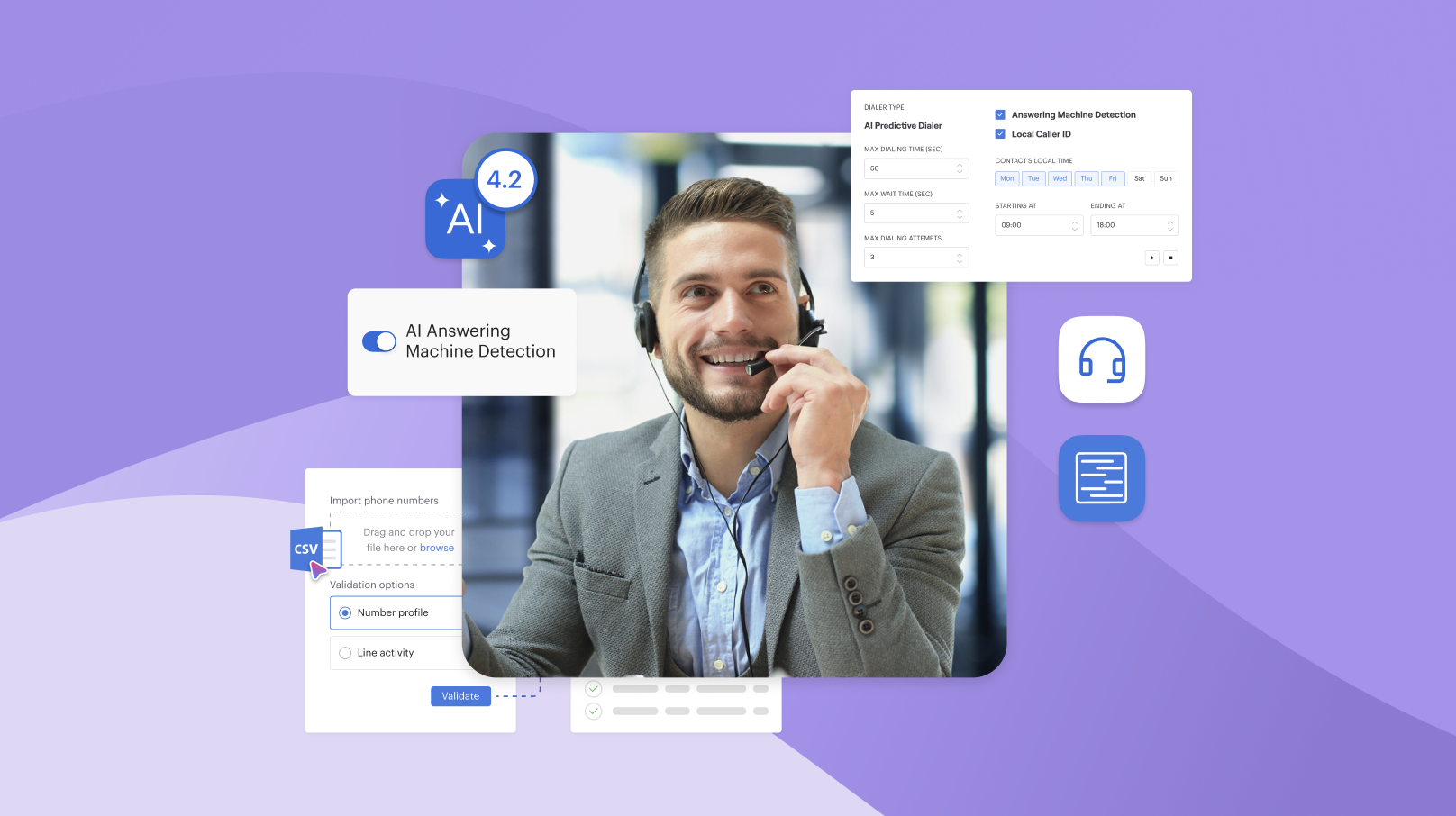
An AI receptionist is software that picks up your main line, greets whoever rang in natural speech, works out what they need, and then either answers from your own documents or hands the conversation to a person on your team. A virtual receptionist service does that same job using trained staff in a remote office, usually billed by the minute or by the call. Both exist for one reason: phones ring, nobody free gets to them, and the customer buys somewhere else.
Picking between them has less to do with which demo impresses you, and far more with your own call mix, the times you need covered, and how often somebody rings with a problem that genuinely needs judgment. What follows works through that comparison the way a contact centre lead would, including the arithmetic, the routing rules and the scripts most buying guides skip.
What an AI receptionist is, and what it does on a call
Think of the AI as four separate jobs, each with a failure mode of its own.
The jobs it handles cleanly
- Answering and greeting. The system picks up within a ring or two at any time of day, states who you are, and says plainly what it can do.
- Qualification. It asks a short sequence of questions and captures the answers as structured fields, instead of leaving a voicemail somebody has to replay later.
- Known-answer questions. Opening hours, parking, order status, what a service costs, whether you accept a particular insurer. Voiso’s AI voice agents answer these from knowledge bases you attach, which means the quality here is a function of your documentation more than of the model.
- Routing. The AI sends the conversation onward to a named colleague, a queue or an outside number, and transfers warm so nobody starts again from scratch.
Where the handoff belongs
AI earns its place on repeatable turns. It loses value quickly once the person on the line is upset, confused or owed a decision. Four signals should end the automated portion immediately:
- Emotional distress, however mild it sounds at first.
- A second failed attempt at the same request inside one conversation.
- Money in motion, including refunds and disputed charges.
- A request for a human, which should always be granted without an argument.
The honest framing is that an AI receptionist shortens the queue instead of removing your need for staff, and the escalation rules further down are what keep that promise. It also pays to understand the underlying mechanics before judging any vendor demo, since this whole category rests on recognizing what’s actually being said and not on matching a keypress to a menu branch.
AI answering set against a live virtual receptionist service
Three options compete for this budget, and the third, hiring somebody, is the yardstick the other two get priced against. The US Bureau of Labor Statistics recorded a median hourly wage of $18.27 for receptionists in May 2025, across roughly 947,500 jobs, which sets the floor under any comparison you run.
| What you are comparing | AI receptionist | Live remote service | In-house hire |
| Times covered | Around the clock | Whatever you buy | Contracted rota only |
| Simultaneous calls | Many at once | One per person on duty | One |
| Typical billing | Per minute or bundled | Per minute or per call | Salary plus on-costs |
| Handles the unexpected | Poorly, escalates | Well, within a brief | Well |
| Captures data into your CRM | Structured, every time | Varies by provider | Varies by person |
| Cost of a volume spike | Metered minutes run on | Overage rates, often steep | Calls go unanswered |
| Sounds like your brand | As written in the prompt | As briefed, with variation | Fully |
Notice the row that settles most evaluations. A remote team member takes one call at a time, so a Monday morning rush queues behind them exactly as it would behind your own front desk. Software has no such limit, which explains why the strongest argument for it is rarely cost and almost always concurrency.
What to check before you sign
- The simultaneous-call ceiling, and what the system does once that figure is reached.
- Calendar and CRM integration, tested against your real records instead of a demo account.
- Language coverage, including whether the admin interface matches what your callers speak.
- Escalation options, meaning warm transfer, queue, voicemail and an external line.
- Reporting, specifically whether automated conversations land alongside human ones in your dashboards.
- Exit terms, since moving a number away later is harder than signing up ever was.
The greeting and intake script, written out
Buy nothing until this exists, because the wording decides the experience and most vendors will happily launch you on a default.
A workable opening runs about twelve seconds and does four things at once:
“Thanks for calling Northgate Dental. You’re speaking with an automated assistant, so I can book you in, move an appointment, or answer a quick question. What do you need today?”
That tells the customer what they are talking to without apologising for it, states the three tasks it can genuinely finish, and ends open instead of reciting a menu. Capture details in this sequence, because reversing it irritates people:
- Reason for ringing, in their own words, before anything administrative.
- Existing client or new, which changes every branch downstream.
- Name, spelled back for confirmation.
- Best number, read back digit by digit.
- Anything urgent, asked plainly: “Is this something that needs attention today?”
Write the line for the moment it cannot help, too: “I’ll put you through to a colleague who can sort that out, one moment.” Where you want the wording tightened across every entry point, the fuller guide to business phone greetings covers tone and length in more depth.
Everything your team needs in one platform
Pricing models, and which one suits your call mix
Published rates in this market arrive in units you cannot compare without converting them first, which is how two quotes that look alike end up thousands apart.
Per minute, per call, per seat
- Per minute rewards short interactions. A business whose reception traffic is mostly thirty-second routing turns pays very little.
- Per call rewards long ones. A clinic running three-minute intakes does better on this model and worse under metering.
- Bundled volume smooths both, provided you size the bundle honestly.
- Salary is a fixed outlay buying one set of hands across a defined rota.
Voiso publishes 4,000 AI-minutes at $500 a month, 12,000 at $1,300, and 30,000 at $2,500, with overage charged flat at $0.15 per minute and any unused allowance expiring at month end, as of October 2026. Larger volumes get quoted individually.
Working out your own crossover
Pull ninety days from your phone system and take two figures: total conversations, and their mean duration. Multiply for minutes consumed. Now test each pricing model against that result, then test it again at your busiest month instead of your average one, since overage is precisely where metered plans stop looking cheap.
A rough shape, using the published rates above. A practice taking 900 calls monthly at ninety seconds each burns 1,350 minutes, sitting well inside the smallest bundle. That same practice at four minutes per conversation burns 3,600, still inside it. What happens next is the interesting part: with overage at $0.15, the entry tier stays cheaper than the $1,300 one until consumption passes roughly 9,300 minutes, so paying for spillover is the rational choice far longer than a sales conversation tends to suggest.
The numbers that show it is working
AI vendors quote improvements against baselines nobody ever defines. Define yours first, and split the headline into parts you can actually measure:
- Abandoned in queue, where somebody waited and gave up.
- Arrived outside staffed times, which is usually the biggest single bucket.
- Reached voicemail and never got a return, which is the most expensive of the three.
Measure all three for a month before launch, then measure them again afterwards. Any single percentage covering the whole set is marketing, not measurement.
Why handle time splits in two
Front desk traffic is bimodal, and a blended average hides that completely. Routing turns cluster around twenty to forty seconds; intake conversations run past three minutes. Report the two groups separately, because on a metered plan the longer group is where your spend actually lives, and because a rising mean usually signals more intakes instead of slower handling.
A few further measures worth watching from week one:
- The share of conversations that reached a human at all.
- How often people asked for a person inside the opening fifteen seconds.
- The proportion of captured details your team had to correct by hand afterwards.
Routing rules worth writing down before launch
Calls that must reach a person
Write this list, then test every branch of it. At minimum:
- Anyone who sounds distressed, or says something suggesting vulnerability.
- Complaints, including mild ones, since these are what end up public.
- Existing customers with an account-sensitive question.
- Cancellations, which carry retention value no automation should decide.
- Medical, legal or safeguarding matters of any kind.
- Press, regulators, and anybody claiming authority over someone else’s account.
- Repeat callers already through the system once that day.
That final rule is the one teams forget, and it is the cheapest of the set to implement.
Opening times, holidays and several sites
Document the behaviour for each of these, per location:
- Normal staffed periods, including the overlap while phones are being covered.
- Overnight hours and weekends, where an AI agent usually earns most of its keep.
- Public holidays, read from a calendar the system can see rather than remembered by somebody.
- Unplanned closure, with a named on-call number it dials at two in the morning.
A business running six locations across two time zones needs all four, one set per site. Decide whether people branch by location or by service first, choosing whichever one they already know before dialling. Where that front door grows complicated, it often pays to keep the menu shallow and let routing happen behind it.
What changes when you answer calls in another country
Tidy comparisons come apart here, and it rarely makes vendor material.
- Recording consent differs sharply. Parts of the United States require every party to agree before audio is captured, while others need only one, and the test follows where your customer physically sits, not the area code dialled.
- European and UK rules place recording under data protection law, so you need a lawful basis, clear notice at the start, a retention limit, and a way to answer somebody requesting their own audio.
- Disclosure expectations for synthetic speech are tightening across several markets, which is another reason to state it up front.
- Local numbering is not available everywhere on equal terms, and some markets attach conditions to it.
- Emergency calling carries separate obligations in most jurisdictions, and those sit outside whatever your vendor configures.
Requirements vary by country and by sector, and they change, so confirm your own obligations with qualified counsel before pointing a live line at any AI system.
Frequently asked questions
How much does an AI receptionist cost?
Metered rates vary widely between vendors, and most bundle an allowance then charge overage past it, so the only honest comparison runs on your own volume. Voiso’s October 2026 schedule opens at $500 monthly for 4,000 AI-minutes, with overage flat at $0.15. Weigh that against a salaried appointment, where BLS put the May 2025 US median at $18.27 hourly, remembering one person covers a single rota and one conversation at any moment.
Will callers know they are speaking to a machine?
Most work it out within a turn or two, so saying so in the greeting beats hoping otherwise. Disclosure protects you as well, since several jurisdictions now expect it and more appear to be heading that way. In practice people mind far less about talking to software than about being trapped with software unable to help them, and that is exactly why your escalation path matters far more than voice quality does. Build that path first, then worry about how natural the speech sounds.
Can it transfer somebody to the right person without losing context?
Yes, where the platform supports a warm transfer. Voiso states that its agents pass conversations to an agent, queue or number while keeping people in the same session with context already captured, and that every call is recorded, transcribed and summarised into the same CDR as human traffic. Ask any vendor exactly what the receiving colleague sees on screen at the moment of pickup, because handoffs disappoint there far more often than they do anywhere else in the flow.
How long does setup take?
Days instead of months for a straightforward front desk, assuming your documentation already exists. Voiso describes a four-step build covering the prompt, the knowledge sources, the routing and a live test, and says teams typically go live within days. The slow part is almost never configuration. It is writing down what your business actually tells people who ring, which most organisations have genuinely never gathered into one place, and which no vendor can do on your behalf.
What happens when two customers ring at the same time?
Software answers both, the structural advantage over any staffed service, where the second person waits for the first conversation to end. Check the ceiling anyway, since plans differ on how many concurrent conversations they permit, and check what happens once that ceiling is reached instead of assuming an orderly queue forms. Ask for the behaviour in writing, because this is the scenario a short demo will never surface and the one a busy Monday will.
Does it book appointments reliably?
Booking works where the calendar integration is solid and the rules are explicit. Three failures deserve planning for: two conversations claiming a single slot, somebody ringing from another time zone, and a requested appointment taken thirty seconds earlier by another customer. Write what your AI receptionist says in each case, and set a buffer rule, before switching booking on at all. Test each scenario on purpose rather than waiting for a real customer to find it for you.
Is a live virtual receptionist service ever the better buy?
Often, and volume decides it more than preference does. At low call counts the fixed effort of building and maintaining automation can outweigh any saving, so work the figure out for yourself instead of borrowing a rule of thumb. Live services also suit businesses whose calls are mostly unpredictable, emotionally loaded or high in value, since a trained person works from a brief and improvises, which scripts do badly. Plenty of teams run both, software taking first contact and colleagues covering whatever gets escalated.
How does this differ from the phone menu we already have?
A menu asks you to press a digit against a fixed branch, while an AI system interprets speech and acts on what it hears. Neither wins outright. A short tree still beats conversation for an operation with three obvious destinations and little variation in why people ring, since it costs less to run and stays entirely predictable. Many teams settle on both, speech at the front with menu logic sitting behind it. The comparison between menu routing and conversational handling covers where each approach holds up.
Hear it answer a call that matters to you
The question worth settling is not whether software can answer a phone. It is whether yours can handle your customers, your vocabulary and your awkward edge cases, which takes a fifteen-minute conversation to find out.
Talk to the Voiso team about a walkthrough built around your real call handling, your own escalation rules plus the coverage you need.