





Call Center Knowledge Management Software
Give Every Agent the Right Answer, Right on Time
Voiso’s knowledge management software equips your team with a centralized, searchable hub for fast, reliable support. No more guesswork, just accurate, consistent information right where agents need it.
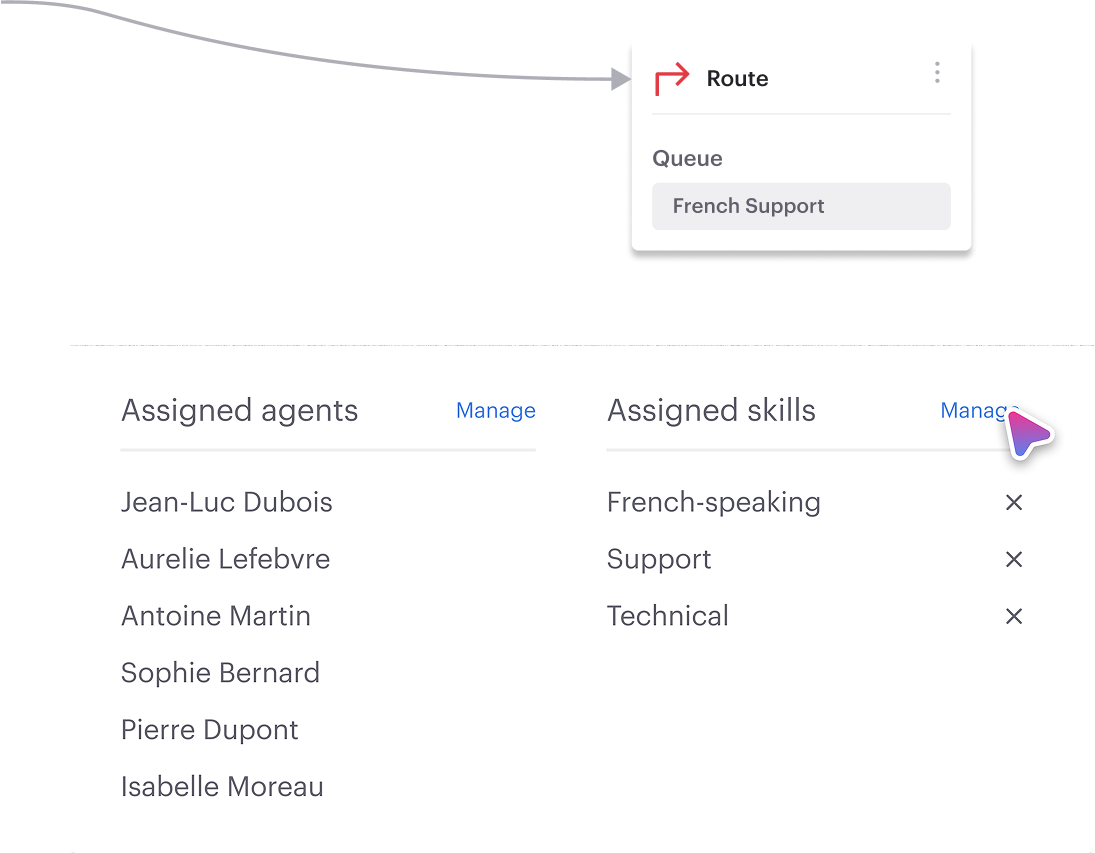


Your Knowledge, Delivered Smarter
Real-Time, Context-Aware Assistance
Voiso listens as your agents do, and brings the right answers to them automatically.
Whether they’re typing or on a live call, suggested responses and guides pop up without needing to search.
This keeps conversations flowing, reduces dead air, and boosts agent confidence.
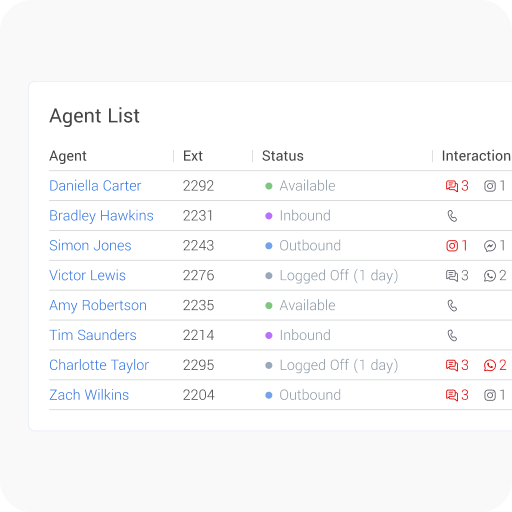
Role-Based Views, Built for Focus
Not every agent needs access to every document.
With Voiso, content is filtered by team, function, or seniority, so agents see what’s relevant, and nothing else.
Editors control updates and workflows, keeping the knowledge base clean and secure.
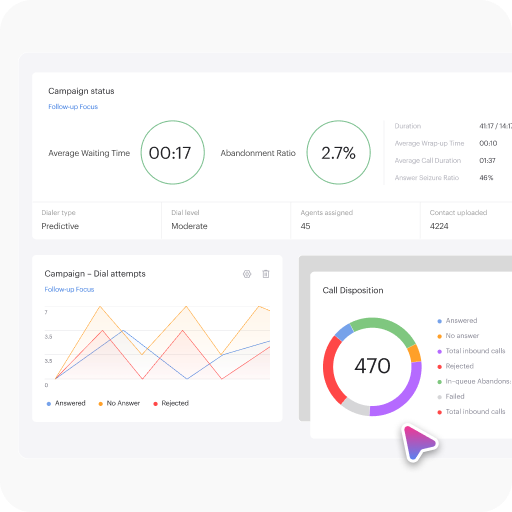
Seamlessly Embedded in Agent Tools
No more switching tabs mid-call.
Voiso’s knowledge base is embedded directly in the calling interface, always just one click away. A
gents can follow step-by-step guides, access quick-reference cards, or copy templates — without breaking eye contact or their flow.
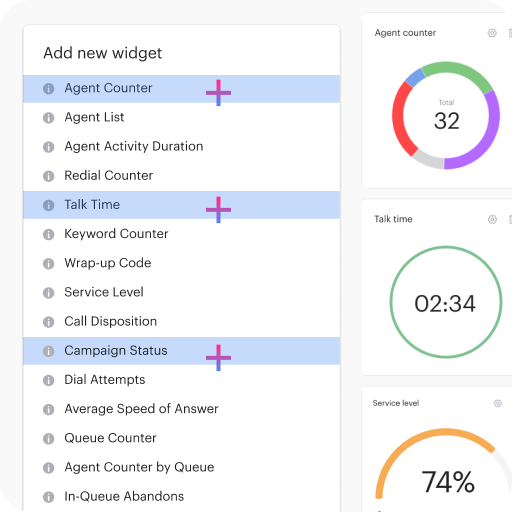
Performance that speaks for itself

customers




Get started in less than 24 hours
FAQ
Can knowledge management software really replace live training?
Not quite, but it does fundamentally change the role of training in ways that most organizations find refreshing. Traditional onboarding often throws agents into firehose-style sessions, hoping something sticks through sheer repetition. Knowledge management softens that blow considerably. Instead of memorizing every policy detail, product specification, or troubleshooting sequence, agents learn where to find what they need quickly and reliably.
It’s more about navigation skills than rote recall, which honestly makes more sense in dynamic business environments. That’s particularly good news in high-churn contact center environments where new hires come through the door frequently. The system acts like a comprehensive safety net – agents may not remember the exact steps to troubleshoot a complex billing issue, but they’ll know exactly where to click to get those procedures instantly.
Live training still matters tremendously for developing tone, empathy, and communication techniques that can’t be captured in written procedures. But when the “what” information is right in front of them through searchable knowledge bases, agents can focus their mental energy on the “how” of delivering exceptional customer experiences. Voiso’s software keeps that safety net strong, reliable, and constantly updated with current information. In a way, it’s not replacing training – it’s letting traditional training breathe and focus on what humans do best.
How do I keep my knowledge base from getting outdated or messy?
That’s the challenge most teams overlook during initial implementation, but keeping things organized and current requires deliberate planning rather than hoping good intentions will suffice. Over time, even the most thoughtfully constructed knowledge systems deteriorate if no one takes ownership of maintenance responsibilities.
Voiso addresses this common problem through several practical features. Content review reminders alert designated team members when articles haven’t been updated recently. Usage analytics show which articles no one accesses anymore, indicating content that might be obsolete or poorly categorized. Version history tracking lets you rewind changes if updates accidentally remove important information or create confusion.
Article ownership assignment ensures updates don’t fall through organizational cracks when responsibilities aren’t clearly defined. Someone specific becomes accountable for each content area, whether that’s billing procedures, product specifications, or troubleshooting guides. Here’s an underrated but crucial feature: feedback buttons that let agents flag articles that contain errors, unclear instructions, or missing information without sending emails or filing tickets that might get lost.
That feedback loops directly into editorial workflows, creating continuous improvement cycles. It’s not glamorous work, but it produces reliable results. Clean knowledge systems stay clean because they receive regular maintenance, not because they were perfect from day one. The key is building review processes into regular operations rather than treating content management as an afterthought.
Does Voiso’s knowledge software work with third-party CRM and call tools?
Absolutely, and it’s specifically designed to integrate seamlessly into whatever technology ecosystem you’re already using successfully. Whether your team works with Zendesk, Salesforce, HubSpot, or even custom-built platforms, Voiso connects through APIs or native plugins depending on what each platform supports best.
This integration approach means agents won’t have to toggle between applications just to find answers during customer conversations. The knowledge interface can embed directly inside their existing CRM dashboard or appear automatically based on call context and customer information. It feels like a natural extension of tools they already know rather than another separate system to learn and manage.
Multi-platform environments become much more manageable when you’re using different tools for tickets, calls, and customer data. Voiso provides a unified knowledge layer that works consistently across all these channels, so information remains centralized even when your operational tools aren’t. Agents get the same search capabilities and content access whether they’re handling phone calls, responding to chat messages, or working through email tickets.
The practical result is faster information retrieval without the productivity drain that comes from constantly switching between applications. Context-aware suggestions can surface relevant articles automatically based on customer account details or conversation topics, making the knowledge system feel intelligent rather than just searchable. This seamless integration often surprises teams with how much it improves both agent confidence and customer satisfaction scores once everything works together smoothly.
What Is Call Center Knowledge Management Software?
Call center knowledge management software serves as a centralized platform that organizes, manages, and retrieves information agents need during customer interactions. Think of it as a smart library where agents can instantly access procedures, product details, and troubleshooting guides without hunting through scattered documents.
The importance in modern operations is significant. Agents get quick answers to complex questions, which reduces escalations and improves first-call resolution rates. Customers receive accurate information faster, leading to better satisfaction scores.
Knowledge management differs from traditional file storage or basic FAQ systems by providing dynamic, searchable content that surfaces relevant information based on conversation context. The software can suggest articles based on customer queries, making information discovery intuitive rather than cumbersome.
Consistency matters tremendously in customer service. When agents access the same authoritative information source, customers receive uniform answers regardless of who handles their call. This prevents confusion that occurs when different agents provide conflicting information about policies or procedures.
Why Knowledge Management Matters in Customer Support?
Reduces First-Call Escalations
Agents feel more confident tackling complex issues when they have immediate access to detailed troubleshooting guides and resolution procedures. Instead of uncertain responses, agents can provide definitive answers during the initial conversation. This confidence translates directly into better customer experiences.
Fewer escalations up the chain creates efficiency gains throughout the organization. Senior agents spend less time fielding questions from colleagues and more time handling genuinely complex cases. Queue management becomes more predictable when fewer calls require supervisory intervention.
Callbacks decrease when agents resolve issues completely during first interactions. Customers don’t need to explain problems repeatedly to different people, while agents build stronger relationships through successful problem resolution.
Speeds Up Training and Onboarding
New hires gain access to the same information that senior staff use, creating immediate competency rather than gradual knowledge accumulation. This democratization of institutional knowledge dramatically shortens the time between hiring and productive contribution.
Structured content reduces the need for extensive shadowing periods where new agents listen to experienced colleagues. While observation remains valuable, knowledge bases enable independent learning that progresses at individual paces rather than depending on senior agent availability.
Consistent quality emerges from day one when new agents follow the same procedures as experienced team members. Rather than learning informal workarounds, new hires develop proper habits from their initial customer interactions.
Improves Accuracy and Brand Consistency
Every customer receives the same factual information when agents access centralized, authoritative content sources. Product specifications, policy details, and procedures remain consistent across all interactions, eliminating variations that occur when agents rely on memory.
Off-brand answers become rare when agents reference approved content rather than improvising responses. This consistency protects brand reputation while ensuring customers can rely on information received from any team member.
Easy content updates ensure information stays current across the entire organization simultaneously. When policies change, updated information becomes available to all agents immediately rather than depending on meeting announcements that might be missed.
What Are The Main Use Cases Across Contact Center Teams?
Support Agents
Support agents answer customer questions faster when they can search knowledge bases rather than relying on memory. Complex product configurations, billing procedures, and technical troubleshooting become manageable even for less experienced team members with access to step-by-step guides.
Staying calm under pressure becomes easier when agents know reliable information sources are available. High-stress situations often cloud memory, but knowledge management provides consistent support that maintains service quality regardless of external pressures.
The confidence boost from having authoritative information readily available often translates into better customer rapport and higher satisfaction scores. Agents sound more professional when they can provide specific details rather than vague responses.
Quality Assurance & Training
Quality assurance teams identify content gaps by analyzing which topics generate the most agent questions or inconsistent customer responses. These insights drive content improvement initiatives that address real operational challenges rather than theoretical training needs.
Common failure points get flagged for future documentation when reviews reveal patterns in agent struggles. Rather than repeatedly coaching individual agents, organizations can create guides that prevent widespread confusion about complex procedures.
Performance improvement becomes more systematic when teams can point to specific knowledge resources rather than providing general feedback. Agents receive concrete guidance while trainers identify which content areas need expansion.
Managers and Ops Teams
Managers maintain documentation without requiring IT involvement through user-friendly interfaces that enable direct editing and publishing. This autonomy allows rapid updates when procedures change, eliminating delays that occur when technical teams must handle routine modifications.
Usage tracking provides insights for optimization efforts that improve both content effectiveness and agent productivity. Managers can identify which articles get accessed frequently versus those that remain unused, enabling strategic content development decisions.
Operational efficiency improves when managers can quickly update procedures or launch new product information without coordinating across multiple departments. This agility becomes valuable during product launches or policy changes where information accuracy directly impacts customer experience.
What features should I look for in knowledge management software for call centers?
Start with powerful search functionality that goes beyond basic keyword matching. The system should understand natural language queries and surface relevant content even when agents use different terminology than what’s in the articles. Advanced search includes filters by topic, department, or content type, while intelligent suggestions help agents find related information they might not have thought to look for.
Content management capabilities determine how easily your team can maintain accurate information over time. Look for version control, approval workflows, and bulk editing options. The system should handle multimedia content like videos, screenshots, and interactive guides rather than just text documents. Content analytics show which articles get used frequently versus those that might be outdated or redundant.
Integration features ensure the knowledge base works seamlessly with your existing call center software stack. Native connections to CRM platforms, ticketing systems, and communication tools eliminate the need for agents to switch between applications during customer conversations. Real-time synchronization keeps information current across all connected systems.
Mobile accessibility becomes crucial for remote agents or those who need information while away from their desks. The interface should be responsive and fast-loading, with offline capabilities for critical content that agents might need during system outages.
How does AI-powered knowledge management improve call center operations?
AI-powered knowledge management transforms how agents access information during customer interactions through intelligent content suggestions that appear automatically based on conversation context. Rather than agents manually searching for answers, the system analyzes customer queries, account information, and call history to surface relevant articles proactively. This contextual intelligence dramatically reduces the time spent hunting for information.
Automated content organization eliminates much of the manual work involved in maintaining knowledge bases. AI algorithms can tag articles automatically, identify duplicate content, and suggest content gaps based on common agent searches that return no results. Natural language processing helps categorize new content accurately while identifying when existing articles need updates.
Predictive capabilities help anticipate agent needs before they arise. The system learns from successful call patterns to recommend specific articles for different customer types or issue categories. AI can also identify trending topics that might need immediate attention or new content creation based on increased search volume around specific subjects.
Performance optimization occurs through continuous learning algorithms that track which content leads to successful call resolutions versus articles that agents abandon quickly. This intelligence helps content creators focus their efforts on high-impact improvements while identifying knowledge gaps that affect operational efficiency. The result is smarter information retrieval that improves with use rather than requiring constant manual optimization.