All Products

.svg)





Recruitment agencies handle a constant flow of calls from candidates, clients, hiring managers, placed workers, payroll contacts, and prospective employers. During high-volume hiring campaigns, recruiters can spend hours answering the same questions about interviews, applications, documents, and job requirements.
That’s where IVR for recruitment agencies becomes valuable. Rather than replacing recruiters, an IVR system helps organise inbound communication, support outbound communication, reduce repetitive administrative work, and connect callers with the right person faster.
The best recruitment IVR setups improve access to recruiters instead of hiding them behind automation. Candidates receive faster answers, recruiters spend more time on hiring activities, and clients reach account managers without unnecessary transfers.
This guide covers IVR use cases, menu examples, setup steps, performance metrics, AI voice agents, common mistakes, and how modern call management software fits into recruitment workflows.
Quick Definition: What Is IVR for Recruitment Agencies?
IVR for recruitment agencies is an automated phone system that helps candidates, clients, and hiring managers reach the right information, recruiter, or department through voice prompts or keypad selections.
Recruitment agencies can use IVR to:
- Route candidate calls
- Share application status information
- Provide interview details
- Collect callback requests
- Answer routine FAQs
- Direct urgent issues to recruiters
- Support outbound communication campaigns
IVR Use Cases by Caller Type
| Caller Type | Common Reason for Calling | IVR Use Case |
| Candidate | Application updates, interview details | Status guidance or callback |
| Interview-day candidate | Directions, video links | Priority interview support |
| Placed worker | Payroll or timesheets | Staffing or payroll routing |
| Hiring manager | Candidate feedback | Recruitment consultant routing |
| New employer lead | Hiring support | Lead capture and sales routing |
| Existing client | Urgent staffing requests | Account manager access |
What Is IVR for Recruitment Agencies?
Interactive voice response (IVR) technology allows callers to interact with automated phone menus using voice commands or keypad selections.
An IVR system can:
- Greet callers
- Collect information
- Trigger callbacks
- Answer routine questions
- Route enquiries
- Support call management workflows
Recruitment-specific applications include:
- Application guidance
- Interview information
- Recruiter callbacks
- Client routing
- Payroll support
- Candidate communication
IVR systems help organizations route calls more efficiently by matching caller intent with the appropriate destination.
How IVR Works in a Recruitment Call Flow
A typical recruitment call flow looks like this:
- A caller dials the agency number.
- The IVR presents menu options.
- The caller selects an option.
- The system routes, captures, or provides information.
- Complex situations move to recruiters or agents.
- CRM or ATS records update automatically where integrations exist.
IVR vs Auto Attendant vs Contact Center Routing
| Solution | Purpose | Best Use |
| Auto attendant | Basic menu navigation | Small agencies |
| IVR | Interactive routing and self-service | Growing recruitment firms |
| Contact center routing | Advanced workflows and analytics | High-volume operations |
An auto attendant simply directs calls.
An IVR system can collect details, automate responses, and create callback requests.
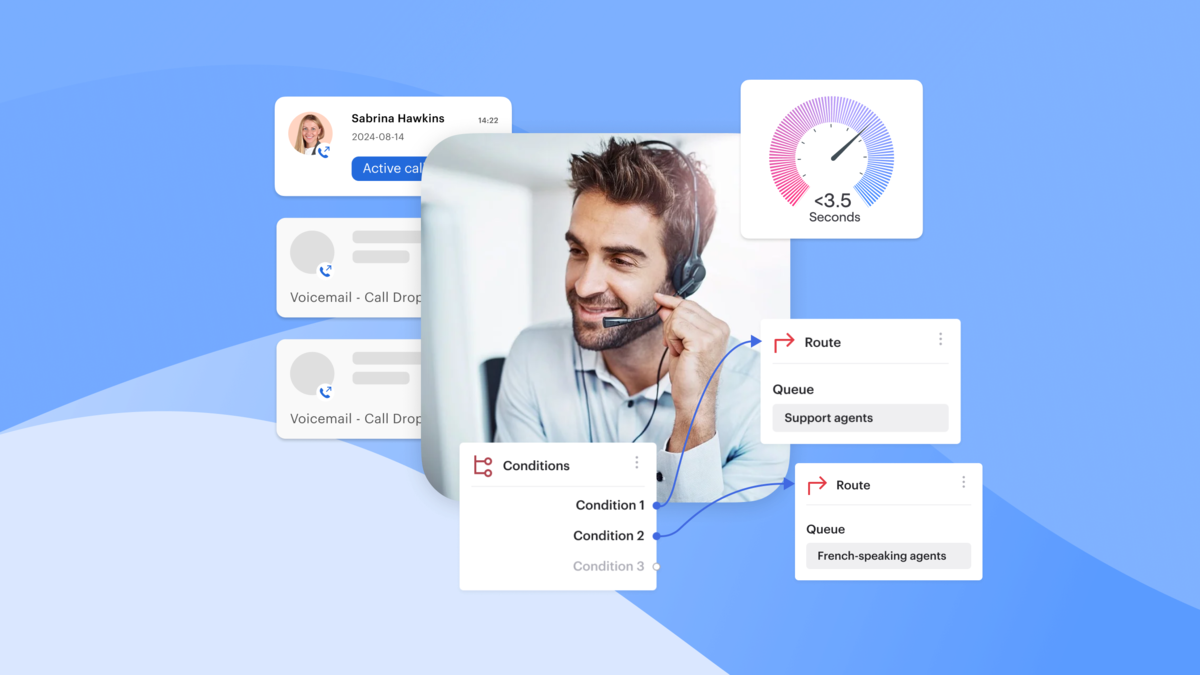
A modern contact center platform adds skills-based routing, analytics, CRM integration, call recording, and queue management.
Why Recruitment Agencies Need Better Call Management in 2026
Recruitment teams regularly receive calls about:
- Applications
- Interviews
- Job requirements
- Documents
- Recruiter availability
- Hiring decisions
Without structure, those interactions can overwhelm recruiters and reduce productivity.
The Candidate Communication Problem
Candidates commonly ask:
- Has my application been received?
- When is my interview?
- Can I reschedule?
- What documents are required?
- Who manages my application?
- What happens next?
Without organised candidate communication, recruiters spend large portions of their day repeating information.
Slow responses can reduce engagement and increase candidate drop-off.
The Recruiter Productivity Problem
Recruiters need time for:
- Sourcing
- Screening
- Client communication
- Offer management
- Interview feedback
Repeated interruptions reduce efficiency.
Poor routing also sends callers to the wrong teams.
Missed calls can damage relationships with candidates and clients alike.
An IVR system helps separate routine enquiries from high-value conversations.
Everything your team needs in one platform
IVR for Staffing Agencies vs Recruitment Agencies
| Agency Type | IVR Priorities |
| Permanent recruitment agency | Status updates and interview scheduling |
| Staffing agency | Payroll, timesheets, worker support |
| Temp staffing agency | Shift confirmations and onboarding |
| Executive search firm | Client routing and confidential callbacks |
| High-volume hiring team | Application status and callback queues |
Why Staffing Agencies Often Need More Routing Options
Placed workers frequently call about:
- Payroll
- Schedules
- Timesheets
- Shift changes
Employers may need urgent replacement staff.
Candidates often require onboarding guidance.
Effective routing keeps each group separate.
Why Executive Search IVR Should Stay Minimal
Senior candidates generally expect direct access.
Menus should remain concise and professional.
Privacy considerations should shape routing decisions.
How IVR Improves the Candidate Journey
A well-designed IVR supports candidates from initial enquiry through onboarding.
Better routing creates faster answers and fewer transfers.
Application Status Updates
Candidates can access guidance about:
- Application review timelines
- Next recruitment stages
- Required actions
Human recruiters should still handle sensitive outcomes and final decisions.
Interview Scheduling and Reminders
IVR can help:
- Confirm interviews
- Request rescheduling
- Share location details
- Provide video links
Combining IVR with sms reminders reduces no-shows.
Job Details and Candidate FAQs
Routine questions often include:
- Job location
- Shift patterns
- Eligibility requirements
- Hiring timeline
- Required documents
Short prompts work best.
Callers should always have a route to human assistance.
Faster Access to the Right Recruiter
Calls can be routed by:
- Location
- Language
- Hiring stage
- Client account
- Job category
- Urgency
Offer-stage and interview-day calls deserve priority treatment.
Key IVR Use Cases for Recruitment Agencies
Inbound Candidate Call Routing
Route candidates to:
- Application status
- Interview scheduling
- Recruiter callback
- Job information
- Document support
- General enquiries
This approach reduces unnecessary transfers.
Client and Hiring Manager Routing
Clients need fast access to account managers.
Hiring managers often call about:
- Feedback
- Interview availability
- Vacancy updates
- Candidate decisions
Dedicated routing protects relationships and supports the most valuable sales leads.
Candidate Screening and Phone Interview Support
IVR can collect basic screening information:
- Availability
- Work eligibility
- Preferred shifts
- Location
- Language preference
A phone interview process for high-volume roles may begin with automated screening.
Human recruiters should remain responsible for nuanced evaluation.
Outbound Communication and Reminders
Outbound communication can support:
- Interview confirmations
- Appointment reminders
- Document requests
- Candidate surveys
- Follow-up prompts
Recruitment teams often combine automated calls with SMS and email.
Lead Distribution for Recruitment Sales
IVR allows lead providers and employer prospects to reach the right sales team quickly.
Routing criteria may include:
- Industry
- Hiring urgency
- Company size
- Location
- Existing client status
Structured lead distribution helps agencies respond faster.
IVR Menu Ideas for Recruitment Agencies
Simple Candidate-Focused IVR Menu
- Press 1 for application status
- Press 2 for interview details
- Press 3 for job openings
- Press 4 to speak with your recruiter
- Press 5 for office information
Best suited to agencies with high applicant volumes.
Staffing Agency IVR Menu
- Press 1 if you’re a candidate
- Press 2 if you’re an employer
- Press 3 if you’re an existing client
- Press 4 for payroll support
- Press 5 for urgent placement issues
Useful for temporary staffing operations.
High-Volume Hiring Campaign Menu
- Press 1 for job requirements
- Press 2 to confirm your interview
- Press 3 for required documents
- Press 4 to request a callback
- Press 5 for directions
Suitable for seasonal recruitment campaigns.
Client and Sales Lead Menu
- Press 1 for existing client support
- Press 2 for urgent staffing needs
- Press 3 for a new vacancy
- Press 4 for sales
- Press 5 for billing questions
This structure protects high-priority business opportunities.
Sample IVR Scripts for Recruitment Agencies
General Recruitment Agency Prompt
“Thank you for calling [Agency Name]. Press 1 if you’re calling about an application. Press 2 for interview details or rescheduling. Press 3 for current vacancies. Press 4 if you’re an employer looking to hire. Press 5 for payroll or placement support. To speak with a recruiter, press 0.”
Candidate Callback Prompt
“Please leave your name, phone number, job title, and reason for calling. A recruiter will contact you shortly.”
Interview-Day Support Prompt
“If your interview takes place today, press 1 for urgent support. Press 2 for location details. Press 3 to request a reschedule.”
Employer Lead Prompt
“If you’re an employer seeking recruitment support, press 1 for permanent hiring, press 2 for temporary staffing, press 3 for urgent staffing assistance, or press 4 to request a callback.”
Benefits of IVR for Recruitment Agencies
Faster Call Routing
An IVR system directs callers to the correct recruiter or department.
Benefits include:
- Fewer transfers
- Better queue management
- Improved recruiter focus
- More accurate routing
Lower Recruiter Admin
Recruiters spend less time answering routine questions.
The system can automate common enquiries regarding:
- Interviews
- Documents
- Office hours
- Application progress
Better Candidate Experience
Candidates receive quicker access to information.
Wait times decrease.
Interactions become more consistent.
The overall hiring journey feels smoother.
Improved Lead Capture and Distribution
Employer enquiries reach sales teams faster.
Information can be captured outside office hours.
The lead handling process becomes more structured.
More Consistent Hiring Workflows
Recruitment teams provide standardised guidance.
Call outcomes can trigger CRM activities and follow-up tasks.
Where IVR Fits in the Recruitment Process
| Recruitment Stage | Candidate Need | IVR Use Case |
| First contact | Understand roles | Job information menu |
| Application | Confirm next steps | Status guidance |
| Screening | Provide details | Pre-screening questions |
| Interview scheduling | Confirm appointment | Scheduling support |
| Interview day | Get directions | Priority assistance |
| Post-interview | Await feedback | Callback request |
| Offer stage | Discuss concerns | Direct recruiter access |
| Onboarding | Confirm documents | Reminder workflow |
What IVR Should Handle vs What Recruiters Should Handle
| Interaction | IVR Suitable? |
| Office hours | Yes |
| Application guidance | Yes |
| Interview reminders | Yes |
| Reschedule requests | Hybrid |
| Basic screening | Hybrid |
| Salary negotiation | No |
| Rejection feedback | No |
| Offer concerns | No |
| Complaints | Human escalation |
IVR and AI Voice Agents in Recruitment
Technology continues to evolve beyond traditional menus.
Traditional IVR vs Conversational IVR vs AI Voice Agents
| Technology | How It Works | Best Use Case | Human Fallback |
| Traditional IVR | Menu options | FAQs and routing | Yes |
| Conversational IVR | Natural language input | Intent recognition | Yes |
| AI voice agent | Advanced spoken interaction | Scheduling and screening | Always |
When AI Voice Agents Can Help
AI voice technology can support:
- Availability checks
- Basic screening
- Interview scheduling
- Candidate FAQs
- Follow-up reminders
Where Human Recruiters Still Matter
Human expertise remains essential for:
- Offer discussions
- Rejection feedback
- Salary conversations
- Candidate concerns
- Complex eligibility questions
How to Design an IVR System Candidates Will Actually Use
Keep Menus Short
Limit first-level options.
Avoid unnecessary complexity.
Place common enquiries first.
Use Candidate-Friendly Language
Avoid recruitment jargon.
Use terms such as:
- Application status
- Interview details
- Recruiter callback
Simple wording improves usability.
Offer Callback Options
Allow callers to request a return call instead of waiting.
Capture:
- Name
- Number
- Job reference
- Reason for calling
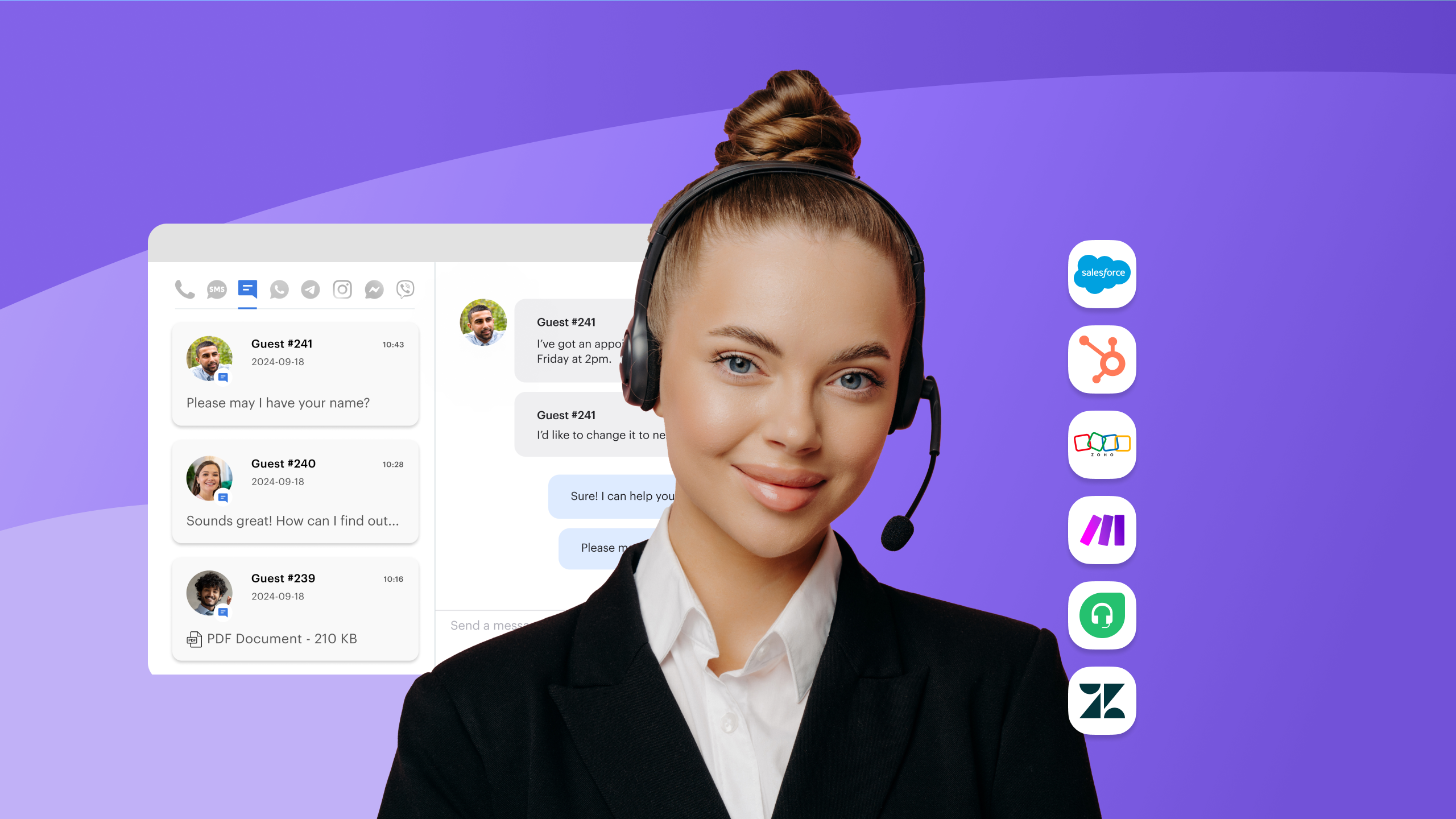
Connect IVR With CRM or ATS Data
A strong crm integration can:
- Route known callers
- Log interactions
- Trigger recruiter tasks
- Reduce manual administration
Common IVR Mistakes Recruitment Agencies Should Avoid
Making the Menu Too Complicated
Excessive options frustrate callers.
Simple structures work better.
Hiding Human Support
Candidates should always have access to recruiters when situations require personal attention.
Using IVR for Sensitive Conversations
Avoid automating:
- Rejection feedback
- Salary disputes
- Offer negotiation
- Complaint handling
Failing to Update Messages
Outdated information creates confusion.
Review prompts regularly.
IVR Compliance and Candidate Trust
Be Clear About Call Recording
Inform callers when recording occurs.
Follow local regulations.
Use recordings for quality improvement where appropriate.
Limit Sensitive Data Collection
Only collect information needed for routing or workflow support.
Protect personal details carefully.
Keep Candidate Trust at the Centre
Transparency matters.
Candidates should understand when automation is involved.
Human escalation should remain available.
How to Set Up IVR for a Recruitment Agency
Step 1: Identify the Top Reasons People Call
Review:
- Call logs
- Recruiter feedback
- Candidate questions
- Client enquiries
Step 2: Create Caller Groups
Common groups include:
- Candidate
- Interview-day candidate
- Hiring manager
- Existing client
- Employer lead
- Placed worker
Step 3: Build a Short First-Level Menu
Focus on high-volume enquiries.
Use language that callers understand immediately.
Step 4: Define Routing Rules
Route by:
- Caller type
- Location
- Recruiter ownership
- Language
- Urgency
Step 5: Add Callback Options
Allow callers to avoid long queues.
Create ownership rules for responses.
Step 6: Connect IVR to CRM or ATS Systems
Sync records where possible.
Provide context before callbacks.
Step 7: Test, Launch, and Improve
Monitor:
- Abandoned calls
- Repeat enquiries
- Callback speed
- Routing accuracy
IVR Performance Metrics Recruitment Agencies Should Track
Metrics and What to Do With Them
| Metric | What It Shows | Action if Poor |
| Abandoned call rate | Caller frustration | Simplify menus |
| Transfer rate | Routing quality | Review logic |
| Repeat calls | Information gaps | Improve prompts |
| Callback response time | Recruiter responsiveness | Define ownership |
| Interview no-show rate | Communication effectiveness | Improve reminders |
| Candidate satisfaction | Experience quality | Refine workflows |
Candidate Experience Metrics
Track:
- Callback time
- Interview confirmations
- No-show rates
- Satisfaction scores
- Repeat contact frequency
Recruiter Workflow Metrics
Monitor:
- Recruiter call load
- Calls deflected from recruiters
- After-call work
- Escalation volume
- Response speed
How Recruitment Agencies Can Use IVR Without Losing the Human Touch
Recruitment remains relationship-driven.
Technology should support people rather than replace them.
Automate Routine Calls
Suitable tasks include:
- Application guidance
- Interview directions
- Office hours
- Document reminders
- Surveys
Keep Human Recruiters for High-Value Conversations
Recruiters should manage:
- Screening discussions
- Feedback conversations
- Salary negotiations
- Client relationships
- Candidate concerns
Use IVR to Improve, Not Block, Access
The goal isn’t to create barriers.
A strong IVR makes it easier for callers to reach the right person.
How Better Call Management Software Supports Recruitment IVR
Recruitment agencies often need more than a basic phone menu.
An effective software platform combines:
- IVR functionality
- Call routing
- Callback queues
- Analytics
- Call recording
- CRM integration
- SMS capabilities
- Reporting tools
What Recruitment Agencies Should Look For
Key capabilities include:
- IVR menu management
- Skills-based routing
- Inbound and outbound communication
- CRM or ATS integration
- Call outcomes tracking
- Analytics dashboards
- Easy prompt updates
Where Voiso Fits Naturally
As candidate calls, client enquiries, interview reminders, and recruiter callbacks increase, agencies need a solution that organises inbound communication and supports outbound communication effectively.
A platform such as Voiso can help recruitment teams manage IVR workflows, route calls intelligently, monitor performance, and coordinate follow-up activity while keeping recruiters focused on conversations that require human judgement.
FAQs
What Is IVR for Recruitment Agencies?
IVR for recruitment agencies is an automated phone system that helps candidates, clients, and hiring managers reach the right recruiter, team, or information. It supports call routing, application guidance, interview updates, callback requests, and frequently asked questions while reducing repetitive administrative work for recruitment staff.
How Can IVR Improve Candidate Communication?
IVR improves candidate communication by providing faster access to interview details, application updates, document requirements, and callback options. Properly designed systems route complex situations directly to recruiters, reducing delays and helping candidates reach the correct person without unnecessary transfers or confusion.
Can IVR Be Used for Candidate Screening?
Yes. IVR can support basic screening by collecting information about availability, work eligibility, preferred location, shift preferences, and role interest. Early-stage, high-volume recruitment campaigns benefit most from this approach. Human recruiters should still conduct detailed evaluations and final hiring assessments.
Is IVR Useful for Staffing Agencies?
Yes. Staffing agencies can use IVR to separate candidate enquiries, payroll questions, timesheet support, employer requests, placement issues, and urgent worker concerns. Better routing reduces pressure on recruiters while helping callers reach the correct team more quickly during busy staffing periods.
What Should an IVR Menu Include for a Recruitment Agency?
A recruitment agency menu should focus on common enquiries such as application status, interview details, job openings, recruiter callbacks, employer support, client enquiries, office information, and document requirements. Keeping options concise improves usability and reduces caller frustration during busy periods.
Can IVR Reduce Recruiter Workload?
Yes. IVR reduces recruiter workload by automating routine enquiries, collecting caller details, creating callback requests, and directing interactions appropriately. Recruiters gain more time for sourcing, interviewing, client communication, offer discussions, and relationship building rather than repeatedly answering administrative questions.
What Is the Difference Between IVR and AI Voice Agents in Recruitment?
Traditional IVR follows structured menus and predefined responses. AI voice agents support more natural conversations and can assist with scheduling, availability checks, and frequently asked questions. Recruitment agencies should still involve human recruiters whenever discussions become sensitive, complex, or decision-related.
How Should Recruitment Agencies Measure IVR Success?
Agencies should track abandoned calls, callback speed, routing accuracy, interview confirmation rates, repeat contact frequency, recruiter workload reduction, and candidate satisfaction. Strong performance indicates callers reach appropriate resources quickly while recruiters spend more time on meaningful hiring activities.
Conclusion
IVR for recruitment agencies works best when it improves access, reduces repetitive calls, and directs candidates, clients, hiring managers, and placed workers to the right destination quickly.
A well-designed ivr system can support:
- Candidate communication
- Application status guidance
- Interview scheduling
- Job information
- Callback requests
- Client lead routing
- Payroll support
- Recruiter productivity
Most importantly, IVR should strengthen the candidate journey rather than make recruitment feel less personal.
For recruitment teams managing high call volumes, candidate enquiries, and outbound communication, a platform such as Voiso can help organise IVR workflows, routing, analytics, and follow-up processes while keeping recruiters focused on the conversations that matter most.
Related Topics