





SMS Call Center Solution
Effortlessly send, manage and track SMS communication
Boost outreach, reduce response times, and enhance agent productivity with powerful SMS capabilities from Voiso.


Elevate your SMS communication outreach
Powerful SMS in Voiso’s softphone
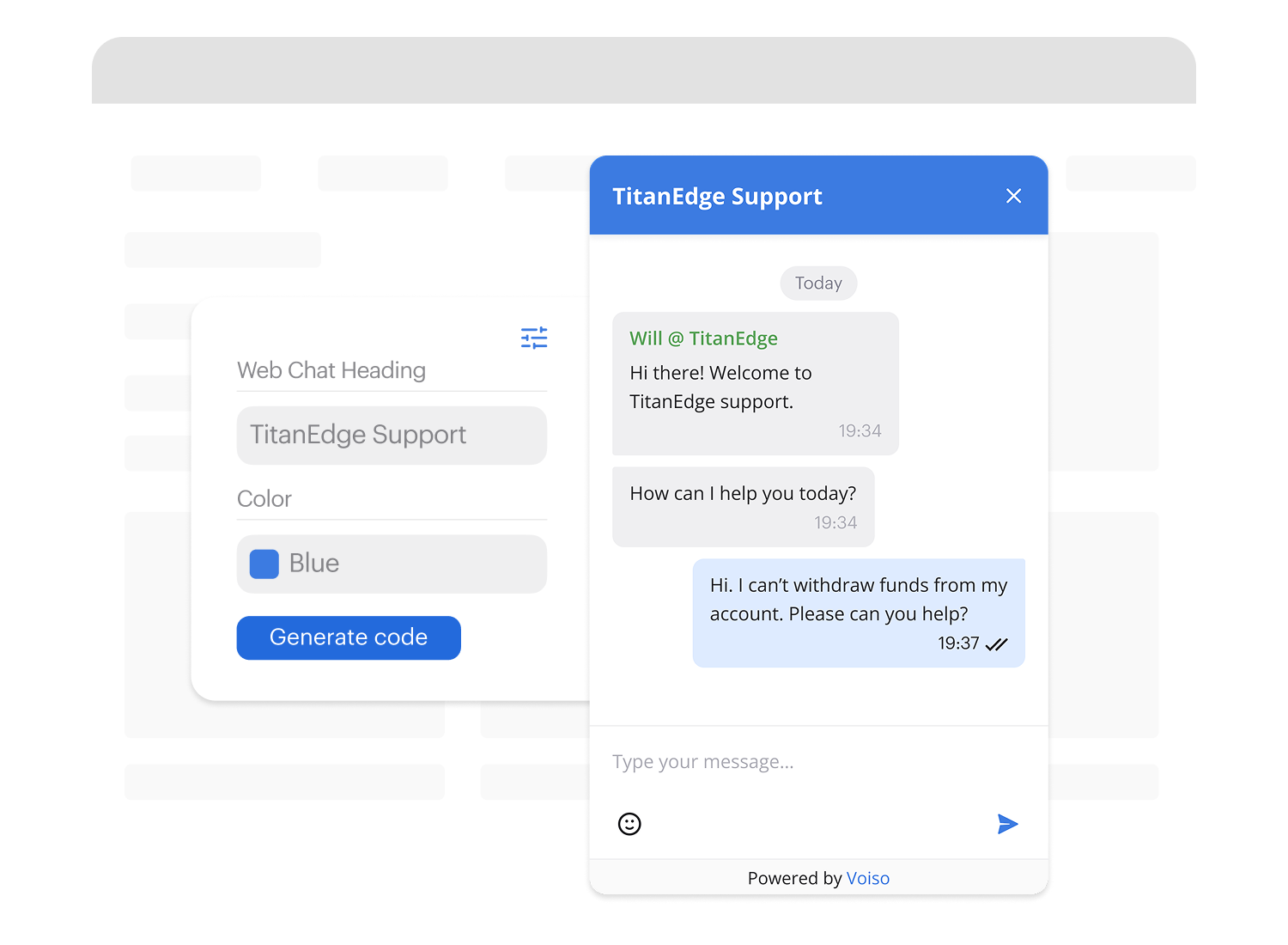
Boost efficiency with Voiso’s integrated SMS.
Send messages directly from your softphone with personalized texts or templates.
Access SMS during calls or from call history for seamless communication.
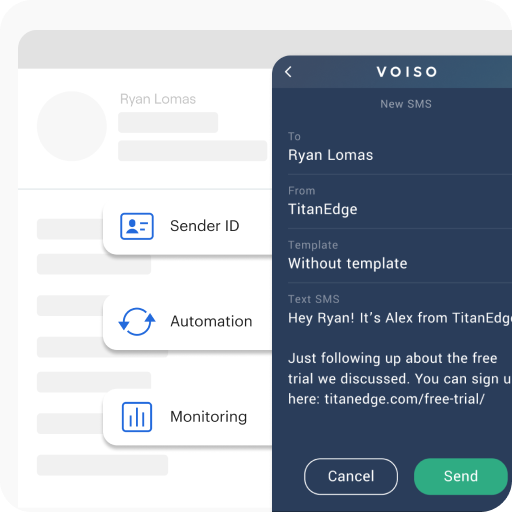
Streamline with templates
Streamline responses with pre-written message templates.
Agents can quickly personalize templates instead of typing from scratch.
Reduce errors, speed up replies, and focus on complex interactions.

Automate with workflows
Elevate SMS communication with automated workflows.
Integrate with your CRM to trigger personalized messages based on customer actions.
Automate welcomes, re-engagements, and follow-ups to nurture relationships and boost conversions.

Omnichannel
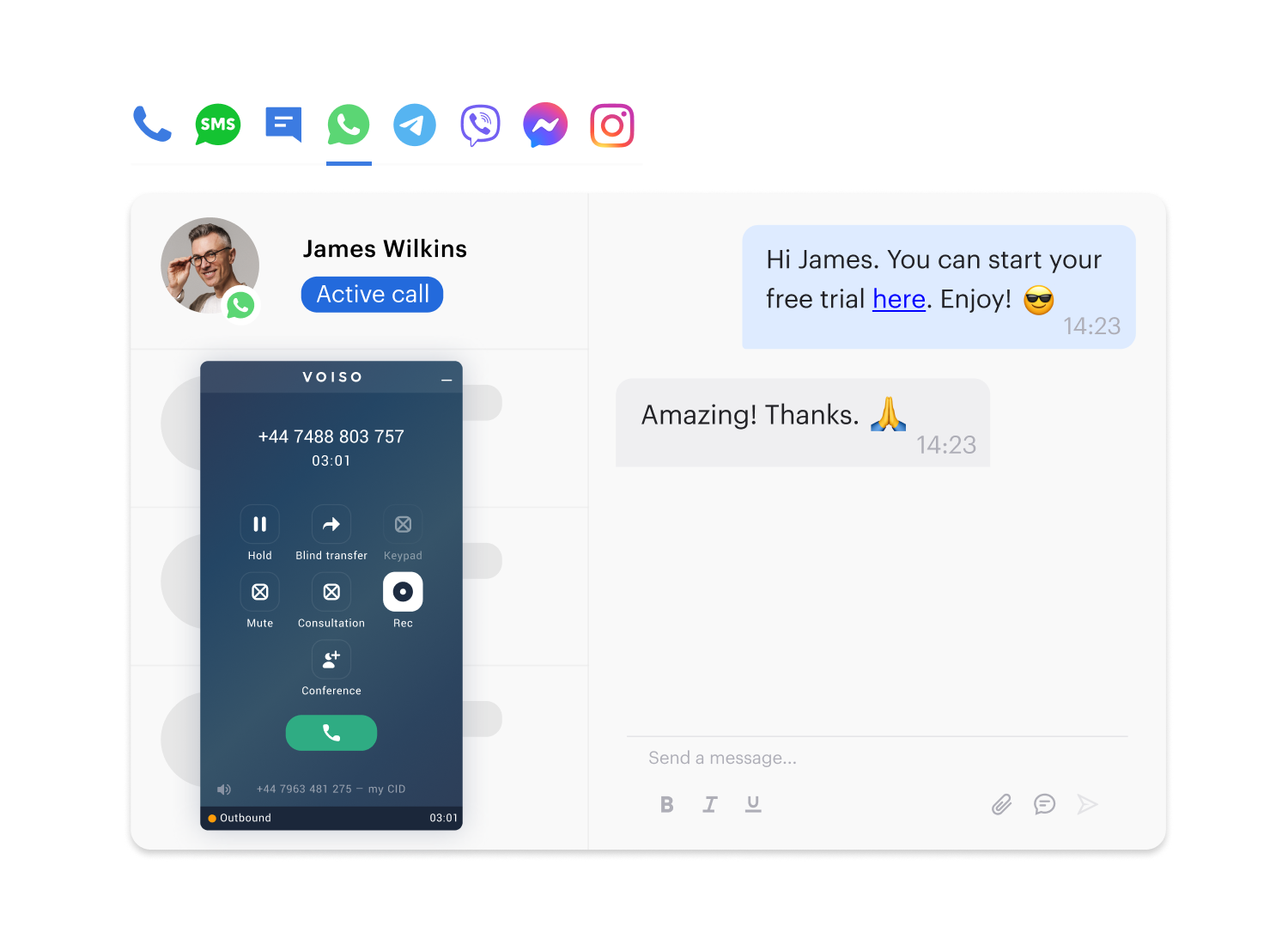
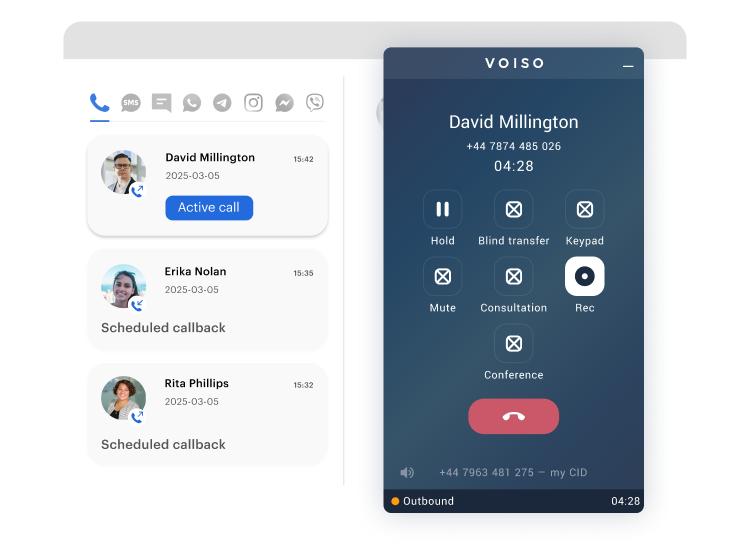
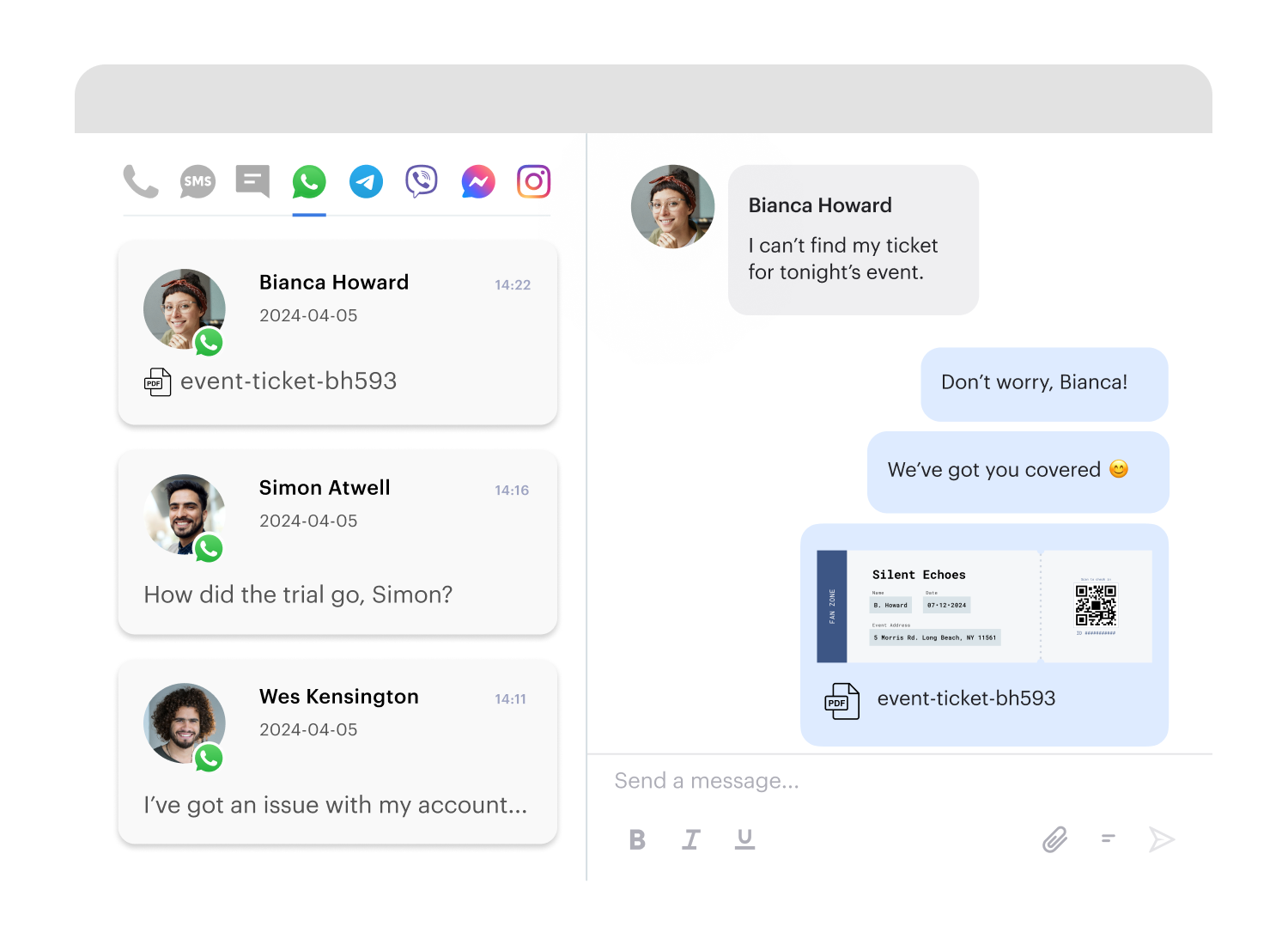
customers




Get started in less than 24 hours
FAQs on Voiso's SMS communication
What is Voiso SMS?
Voiso SMS is a feature that allows contact center agents to send text messages to customers directly within the Voiso softphone. This eliminates the need to switch between applications, streamlining communication and improving efficiency.
How does Voiso SMS work?
Agents can send SMS messages during active calls, from the call history, or directly to contacts in their contact list. Voiso offers features like pre-written message templates and customizable sender IDs to further enhance the SMS experience. All SMS activity is logged in your call detail records (CDRs) for comprehensive tracking and reporting.
What are the benefits of Voiso SMS?
Voiso SMS offers numerous benefits for contact centers, including:
Increased efficiency: Streamlined workflows and reduced response times.
Improved customer experience: Enhanced communication and personalized interactions.
Enhanced agent productivity: Easy-to-use interface and powerful features.
Valuable insights: Detailed reporting to track performance and identify trends.
Cost savings: Reduced need for separate SMS applications or services.
What is a cloud messaging service?
A cloud messaging service is a platform that allows messages and notifications to be sent and received over the internet. It connects servers to devices, enabling efficient communication across platforms like iOS, Android, and web applications. These services often include features such as real-time delivery, message tracking, and integration capabilities to streamline communication.
What is SMS cloud?
SMS cloud refers to a messaging service hosted on cloud infrastructure, enabling businesses to send and receive text messages through an internet-based platform. It provides a flexible and scalable way to manage communication, often including features like bulk messaging, automated workflows, and real-time tracking.
What is bulk SMS messaging?
Bulk SMS messaging is the process of sending large volumes of text messages to multiple recipients simultaneously. Commonly used by businesses, banks, and organizations, it serves purposes such as marketing campaigns, customer notifications, fraud alerts, and promotional updates. This method ensures efficient and widespread communication to target audiences.
Can you automate SMS?
Yes, SMS automation allows businesses to send messages automatically based on predefined triggers or schedules. Using SMS platforms or third-party apps, you can automate tasks such as appointment reminders, order confirmations, or promotional messages, enabling efficient, timely, and scalable communication with customers.
Is it legal to send automated text messages?
Yes, sending automated text messages is legal, but it requires explicit consent from the recipient. Businesses must ensure compliance with regulations like the Telephone Consumer Protection Act (TCPA) in the U.S., which mandates that consumers must opt-in to receive messages, protecting them from unsolicited communications.
How does Voiso’s SMS communication compare to other solutions?
| Provider | SMS Capabilities | Templates & Automation | Compliance & Sender ID | CRM Integration | Pricing | Ideal For |
|---|---|---|---|---|---|---|
| Voiso | Send during/after call, SMS follow-ups, 2-way messaging | Predefined templates, automated post-call SMS, branded Sender ID | GDPR, 99% deliverability, supports business name in SMS ID | Salesforce, Zoho, Freshdesk, plus webhook/API support | Usage-based (SMS billed per message), no per-seat cost | Contact centers focused on speed, follow-ups, and campaign ROI |
| Twilio | Programmable SMS API, long-code, short-code, toll-free SMS | Custom automation via APIs and Studio flows | HIPAA, GDPR, supports sender ID in select regions | Requires developer-led integration or 3rd-party middleware | Pay-as-you-go, billed per SMS, carrier fees vary | Developers, product teams, enterprise-grade flexibility |
| MessageBird | 2-way SMS, cross-channel messaging with fallback | Flows, templates, SMS campaigns from dashboard | Supports Sender ID, GDPR compliant | Native CRM connectors (Salesforce, HubSpot), API-based | Pay-per-use, tiered based on volume/location | Multi-regional businesses, omnichannel strategies |
| Zendesk (via Sunshine Conversations) | Integrated SMS (via partners like Twilio or MessageBird) | Triggers, macros, ticket-based messaging logic | Partner-dependent, generally GDPR-compliant | Native to Zendesk Suite; complex for external CRMs | Part of suite pricing + SMS gateway fees | Support teams already embedded in Zendesk ecosystem |
| Aircall | SMS via connected integrations (no native platform) | SMS automation only through connected CRMs | Relies on third-party SMS gateway compliance | Salesforce, HubSpot, Intercom integrations | SMS via partner gateway + Aircall license | Simple sales or service teams needing minimal texting |
| CloudTalk | Outbound SMS from call center platform | No automation; templates limited | GDPR compliant; no branded sender ID | Salesforce, Zoho, HubSpot; limited webhook flexibility | Per-user license + SMS usage fee | SMBs seeking basic SMS touchpoints |
How to Integrate Voiso’s SMS Functionality into Your CRM
- Install the Voiso App from Marketplace– For platforms like Zoho, Salesforce, or Freshdesk, locate the Voiso app in the marketplace and install it.
– Confirm login credentials for both Voiso and the CRM during setup. - Enable SMS Settings in Voiso Dashboard– Go to your Voiso admin dashboard.
– Navigate to “Integrations” → CRM of choice.
– Enable SMS functionality using toggle/checkbox. - Configure Sender ID and Templates– Set your SMS Sender ID (business name or number).
– Create SMS templates for follow-ups, confirmations, and campaigns. - Map CRM Fields with Voiso– Define how leads, phone numbers, and messages sync between Voiso and your CRM.
– In Salesforce or Zoho, map SMS activity to contact/ticket records. - Test the Integration– Run a test contact or workflow:
– Place a call from Voiso.
– Send a follow-up SMS via Voiso panel or automatically from call wrap-up.
– Confirm message delivery in both Voiso CDR and CRM activity log. - Automate with CRM Workflows (Optional)– In Zoho/Salesforce: Trigger SMS from workflows (e.g., status = “hot lead” → auto-SMS sent).
– Use Voiso’s webhook capabilities if your CRM is custom or not natively supported. - Monitor and Optimize– Track SMS open and delivery status in Voiso’s Call Detail Records (CDR).
– Review campaign success metrics and adjust templates or trigger logic as needed.
CRM Platforms with Built-In SMS Support via Voiso:
- Salesforce – Automatic logging of SMS in activity history; AI call + message insights
- Zoho CRM – One-click SMS sending from contact records with predefined templates
- Freshdesk – SMS follow-ups attached to support tickets with caller context